What Is Chat to Edit?
Edit images by talking to AI.
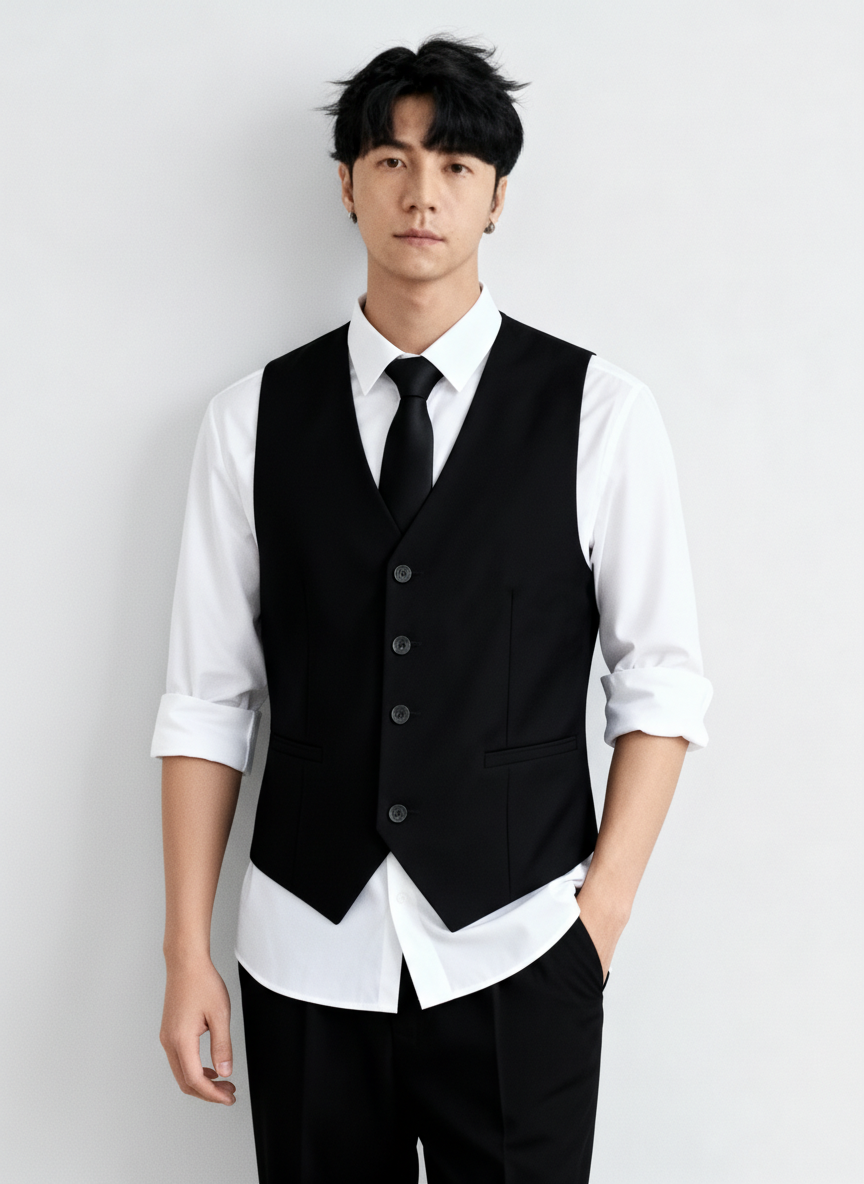
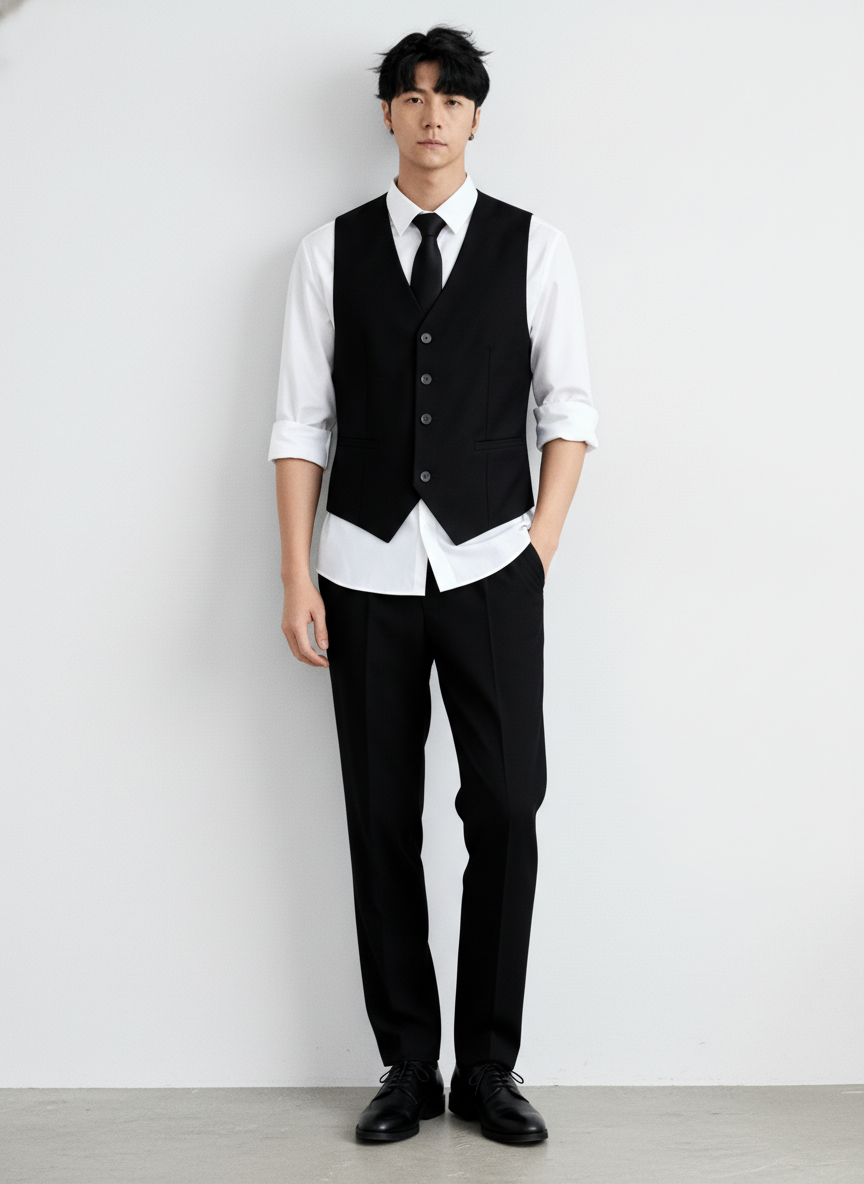
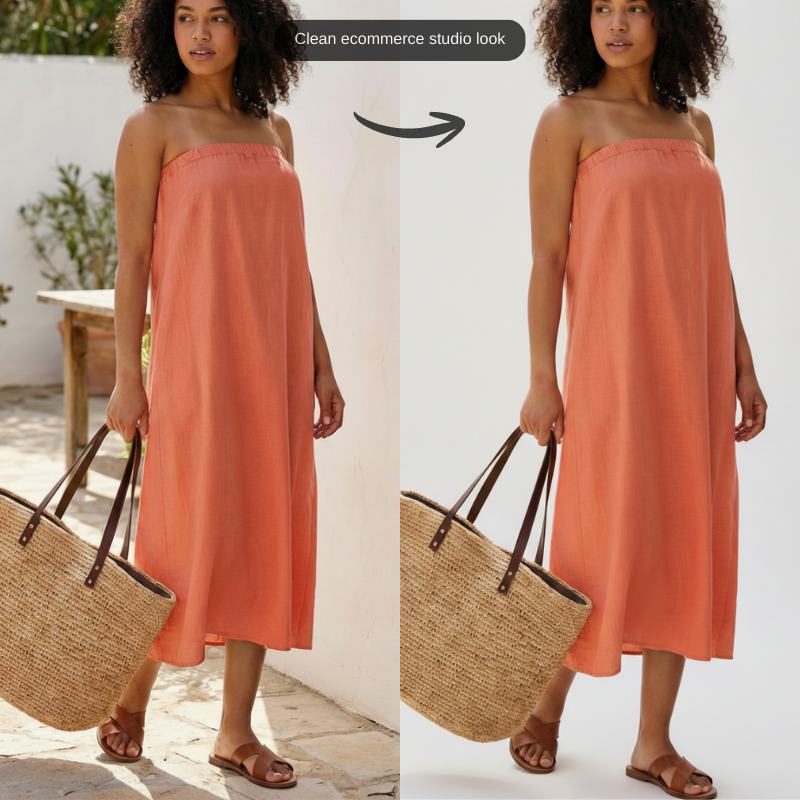
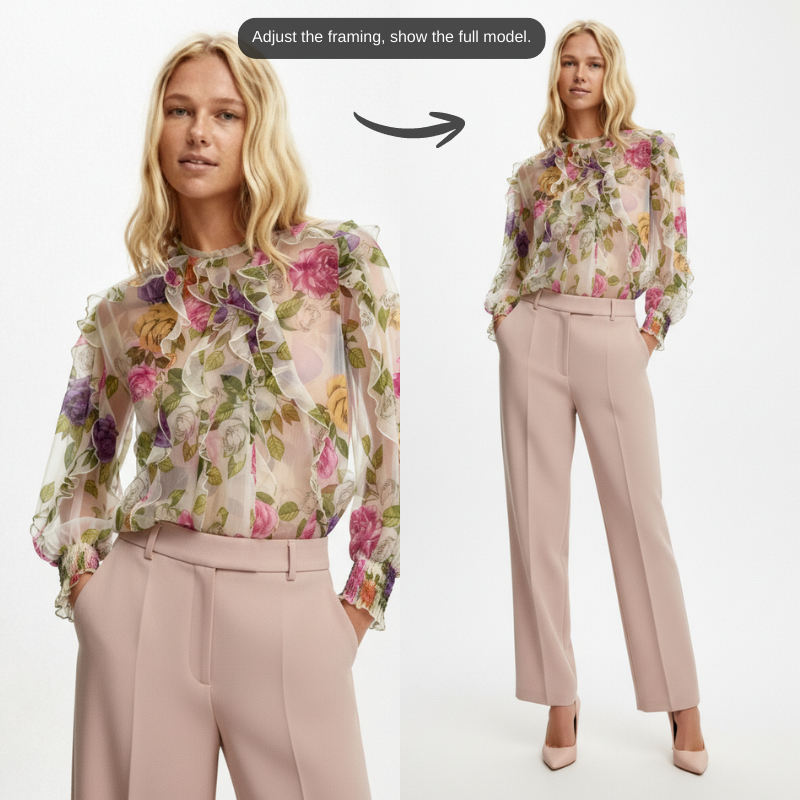
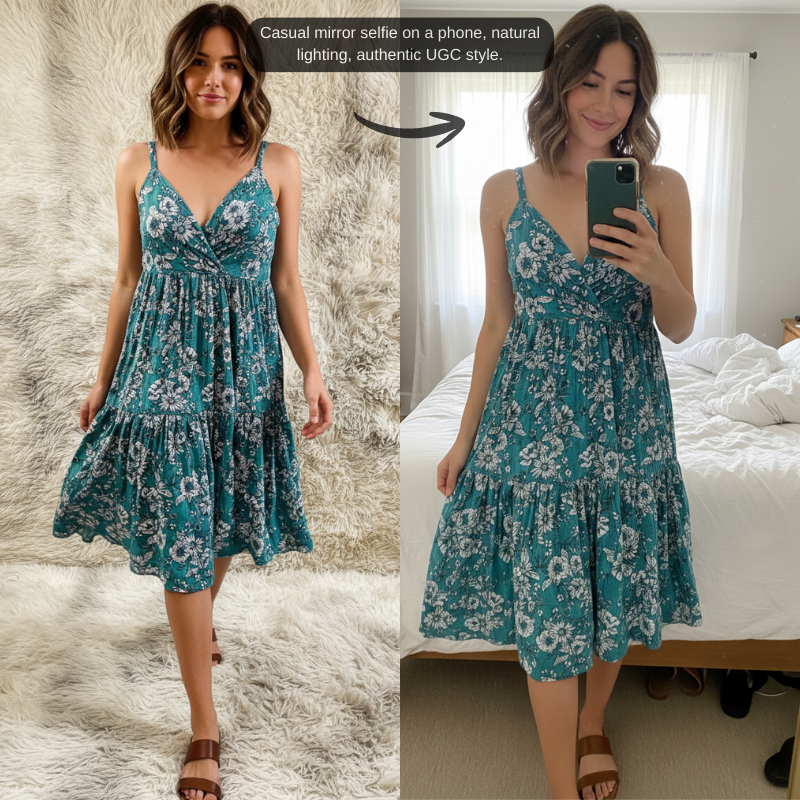
Snaproom's Chat to Edit tool lets you refine product and model images using simple text instructions. Upload an image, describe your change, and the AI applies it while preserving lighting, realism, and product details.
Built for fast iteration, ecommerce workflows, and creative testing.
Upload Any Image
Product shots, model photos, or previous Snaproom outputs.
Describe Your Edit in Plain English
Change model appearance, adjust pose, tweak background, or refine details.
Iterate Instantly
Keep chatting to refine results until it's perfect.
Perfect for: Ecommerce teams, fashion brands, marketers, and content creators.
How to Use Chat to Edit
Select your image
Upload a new image or choose one from My Creations.
Describe your edit
Type instructions like:
"Make the person look straight at the camera"
"Improve lighting and make it studio-style"
Get your edited image
The AI generates the edit instantly. Continue chatting to refine further.
Why Use Chat-Based Image Editing Instead of Traditional Tools?
Traditional Image Editing
Requires design skills
Manual masking and retouching
Slow back-and-forth revisions
High dependency on designers
Snaproom Chat to Edit
Edit using plain language
No technical skills required
Instant iterations
Fully AI-powered workflow
Benefits for Ecommerce & Creative Teams
Faster Creative Iteration
Test variations without re-uploading or restarting.
Reduce Design Bottlenecks
Anyone on the team can make edits — no Photoshop needed.
Maintain Visual Consistency
Edits preserve lighting, realism, and product details.
Scale Content Creation
Refine dozens of images quickly for ads, PDPs, and social posts.
Loved by Brands & Creators
"We iterate on model images in minutes instead of days. Huge productivity win."
— Nina S., Ecommerce Manager
"It feels like chatting with a designer who never gets tired."
— Jason L., Performance Marketer