
Scroll-Stopping Product Videos. No Filming Needed. No Studio Required.
AI Image to Video uses motion generation to turn your static product photos into smooth, ad-ready videos that show movement, drape, and detail, in under 60 seconds.
No filming · Works on any product image · Results in under 60 seconds
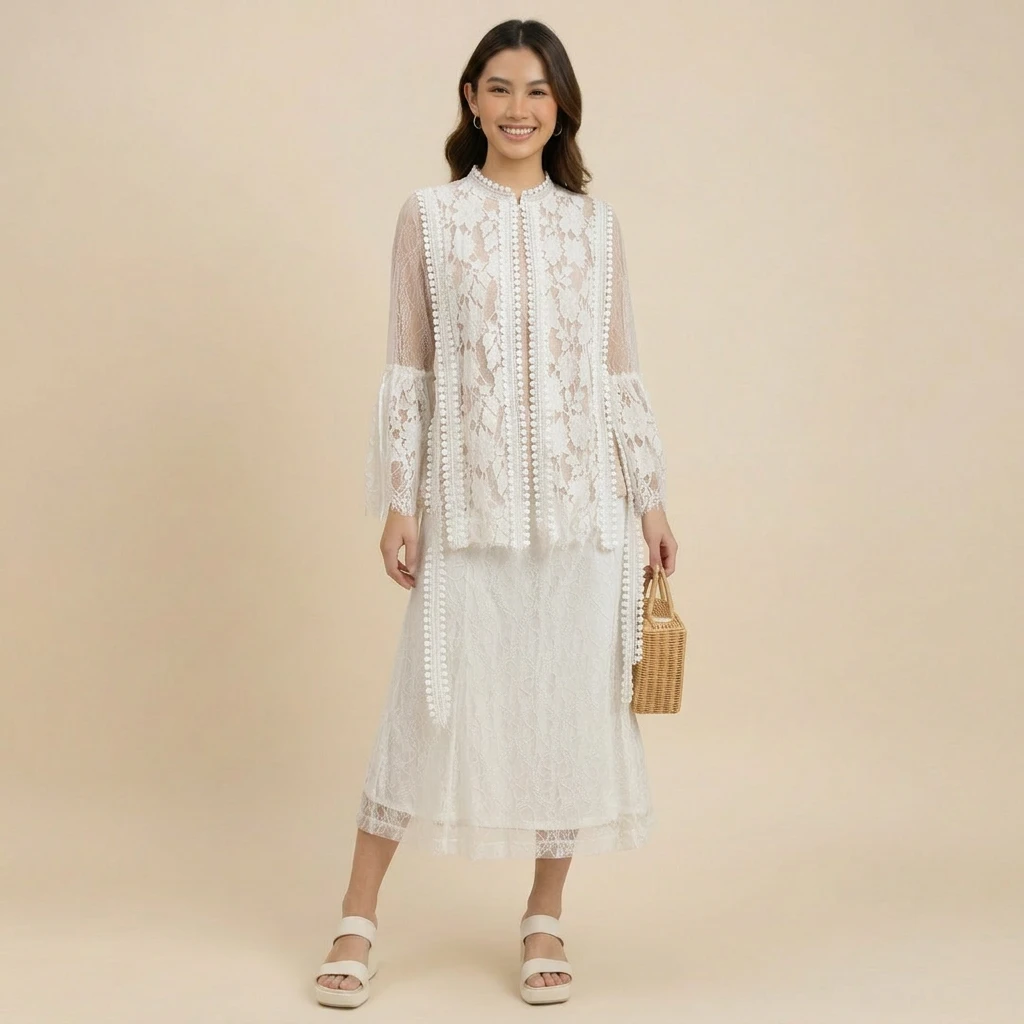
One static product photo, converted to a scroll-stopping AI video in under 60 seconds
Static photos can't compete in feeds built for video.
Every channel that matters in 2026 is video-first. TikTok Shop product cards default to video. Shopee Video listings can earn up to 300% more views than image-only listings. Instagram Reels outperforms feed posts in reach. Shopify product pages with video convert up to 80% better than image-only pages.
But filming is a project. You need a studio, a model, a videographer, lighting, an editor, and time. Even a single 15-second clip can take a week and cost USD 500 to USD 2,500 for a small clothing brand.
Most sellers respond by skipping video entirely, or repeating the same generic stock clip across every SKU. Both kill conversion. Buyers see the same boring loop on every listing, and the algorithm stops surfacing the brand.
That's exactly what Image to Video fixes.
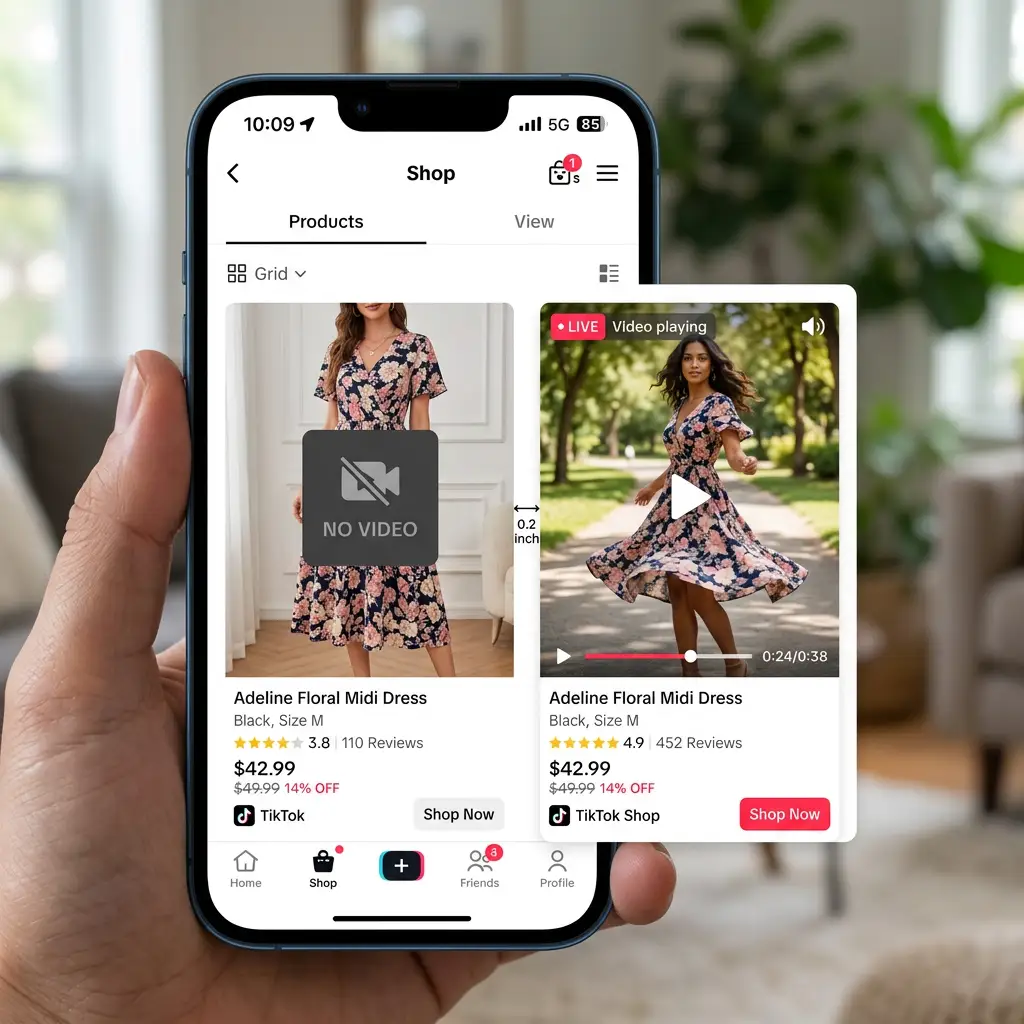
TikTok Shop product card without video next to a competitor with autoplaying video
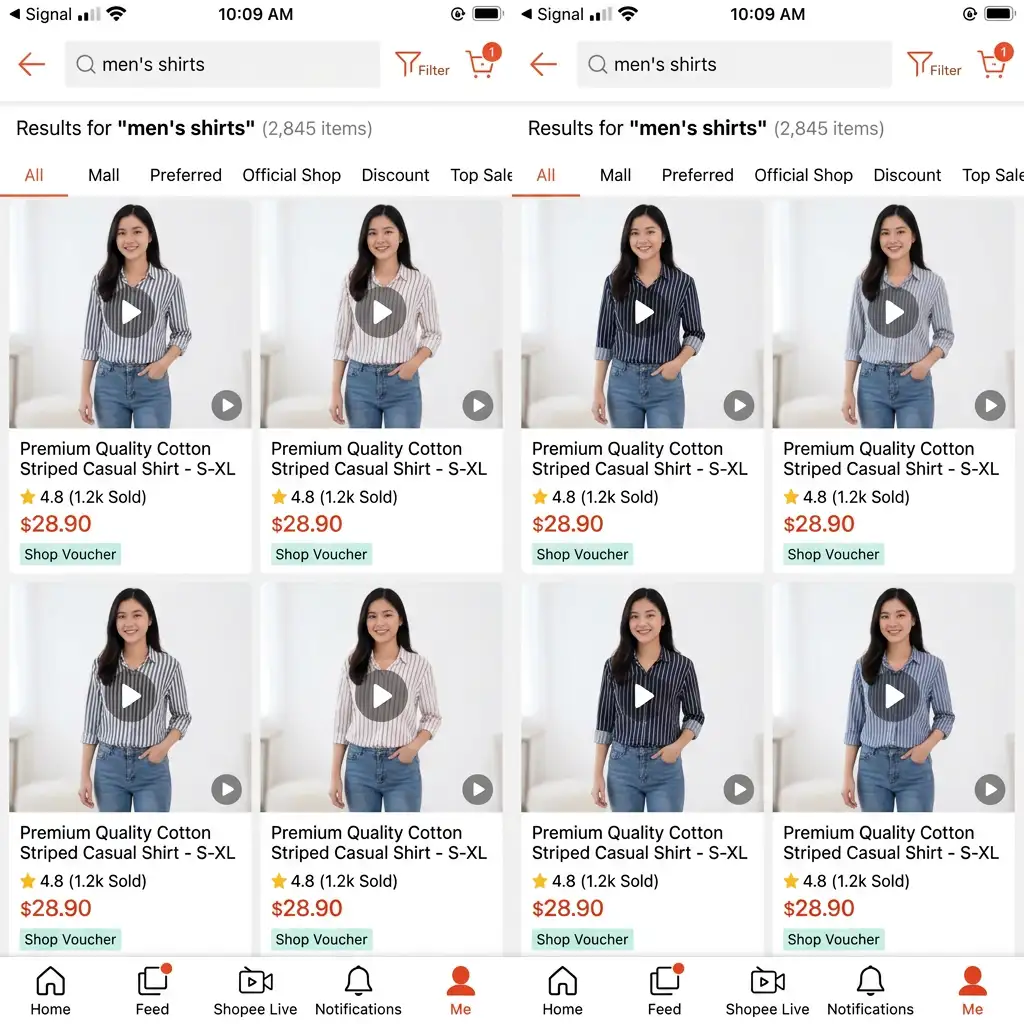
Generic stock product video reused across multiple listings
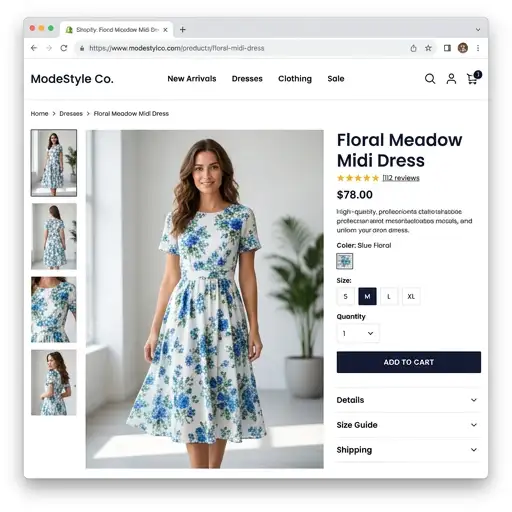
Shopify product page hero with static image where video could be playing
Sound familiar? Image to Video fixes all of these.
What is AI Image to Video?
AI Image to Video is Snaproom's tool for generating short, polished product videos from a single still image. Upload your product photo (or a Snaproom Virtual Try-On result, Ghost Mannequin output, or Multi-Angle shot), choose a motion style, and our AI generates a smooth video clip with realistic movement, camera work, and consistent lighting. No filming, no editing software, no timeline work required.
Unlike general-purpose AI video tools (Runway, Pika, Kling, Luma, Sora), Image to Video is tuned for product and fashion content. It preserves your exact product, color, and branding while adding the kind of motion that actually sells in ecommerce: subtle model shifts, fabric flow, smooth dollies, gentle zooms, clean 360 turns. The kind of motion buyers expect on TikTok Shop, Reels, Shopee Video, and Lazada.
The result: ad-ready videos that look like they came from a professional shoot, generated from a single photo in under a minute.
Built for:
DTC and Shopify brands needing PDP hero videos and social ad creative
TikTok Shop and Shopee Video sellers competing in video-first feeds
Lazada, Zalora, and marketplace sellers upgrading static listings to video
Instagram and Reels-first boutiques that need fresh weekly content
Performance marketers running ad creative variations at scale on Meta and TikTok
Indie sellers, resellers, and dropshippers who can't afford filming but need motion content
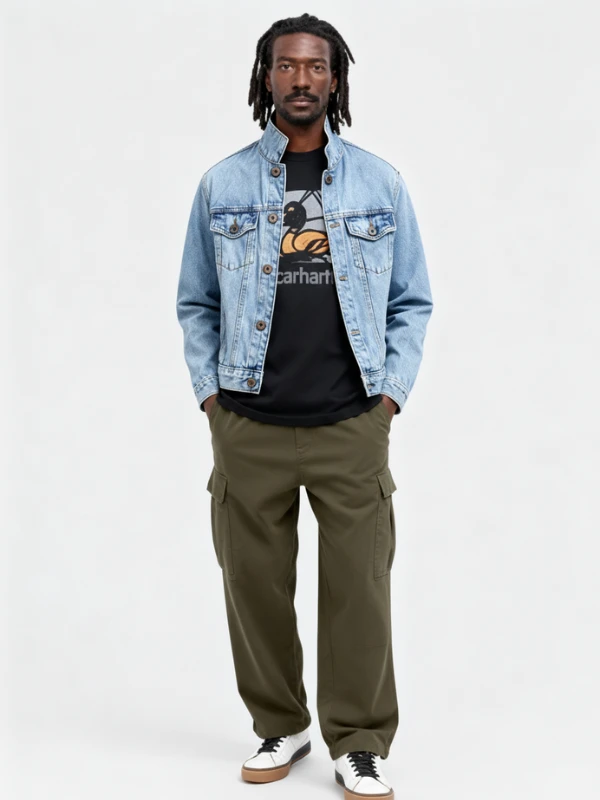
Your photo (static)
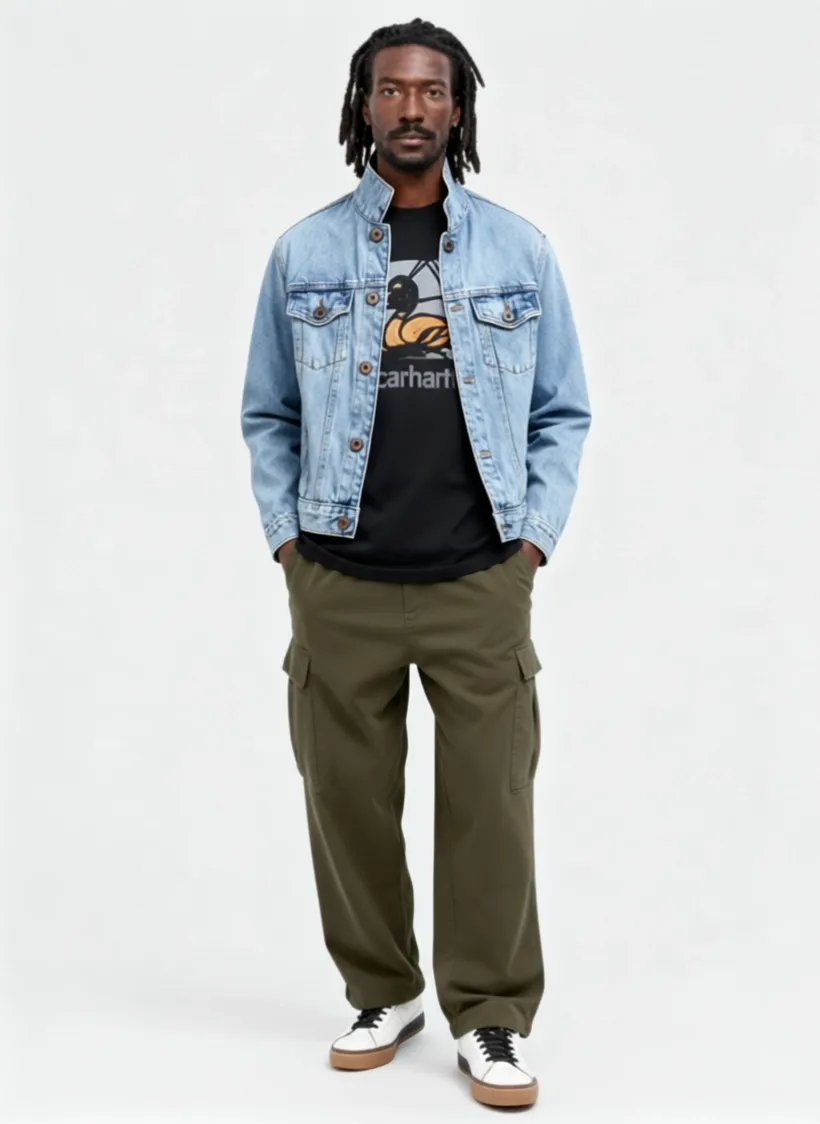
After Image to Video
How Image to Video works
No filming. No editing software. Three steps.
Upload your product image
Any product photo: flat-lay, ghost mannequin, on-model, or a Virtual Try-On result. JPG or PNG. Studio shots work best, but lifestyle and on-model images also perform well.
Choose your motion style
Pick from preset motion templates: subtle model movement, slow camera dolly, gentle zoom, fabric flow, smooth pan, 360 product spin. Pick aspect ratio too: 9:16 (TikTok Shop, Reels, Shopee Video), 1:1 (Lazada, Instagram feed), or 16:9 (Shopify hero, YouTube).
Generate and download
Our AI renders a short, smooth video clip with realistic motion and consistent lighting. Download as MP4, ready to upload to TikTok Shop, Shopee Video, Lazada, Instagram Reels, Facebook ads, Shopify product pages, or your own site.
What Image to Video gets right in your product clips
Every video is generated to match the standard of professional ecommerce content.
1. Motion that highlights the product, not distracts from it
General AI video tools build cinema. Snaproom builds ad-ready ecommerce content. Every motion preset is designed to keep the garment readable, the colors true, and the buyer focused on what they're shopping for, not on flashy effects, surreal transitions, or attention-grabbing camera tricks.
Relevant for: Marketplace listings, paid ad creative, product pages, social commerce, and any video where the product needs to sell, not just entertain.
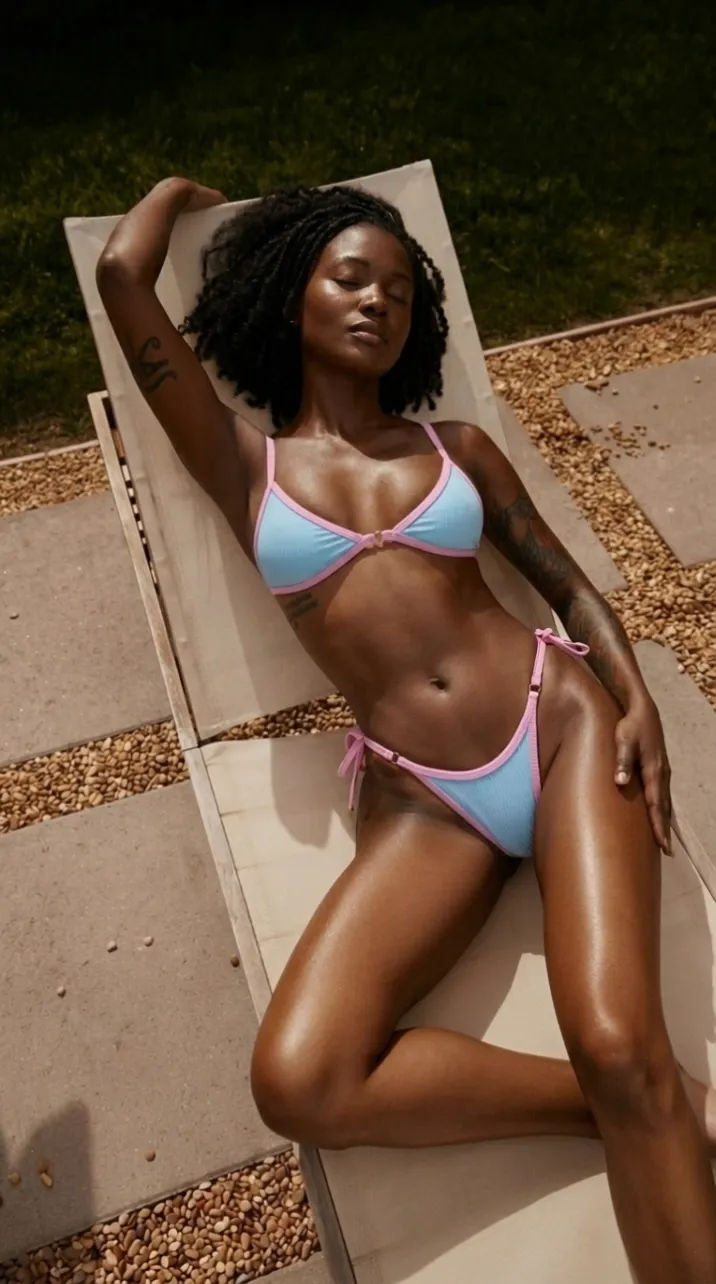
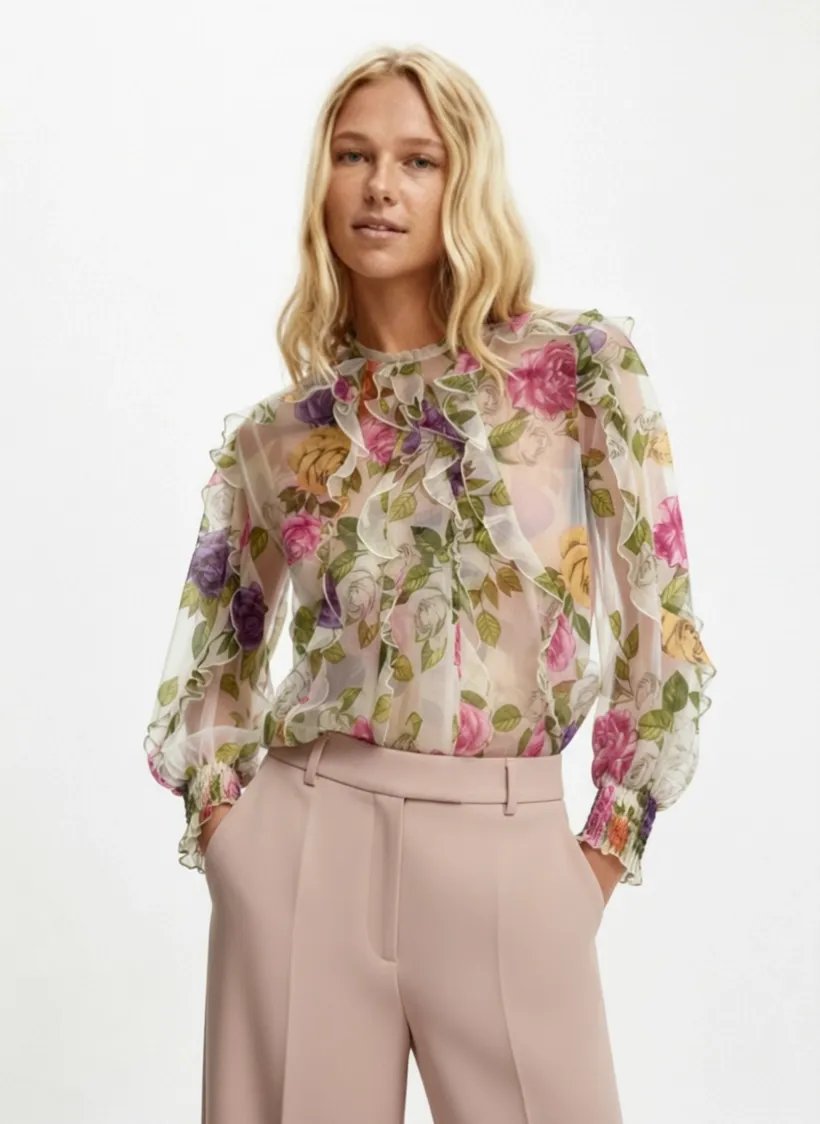
2. Garment color, prints, and logos stay locked
One of the biggest issues with AI video is drift, where colors shift, logos warp, or text melts mid-clip. Image to Video locks your product details for the duration of the video so the garment in frame 1 is the exact same garment in the final frame.
Relevant for: Branded apparel, printed dresses, graphic tees, logo hoodies, designer pieces, and anything with text or pattern detail that has to stay accurate.
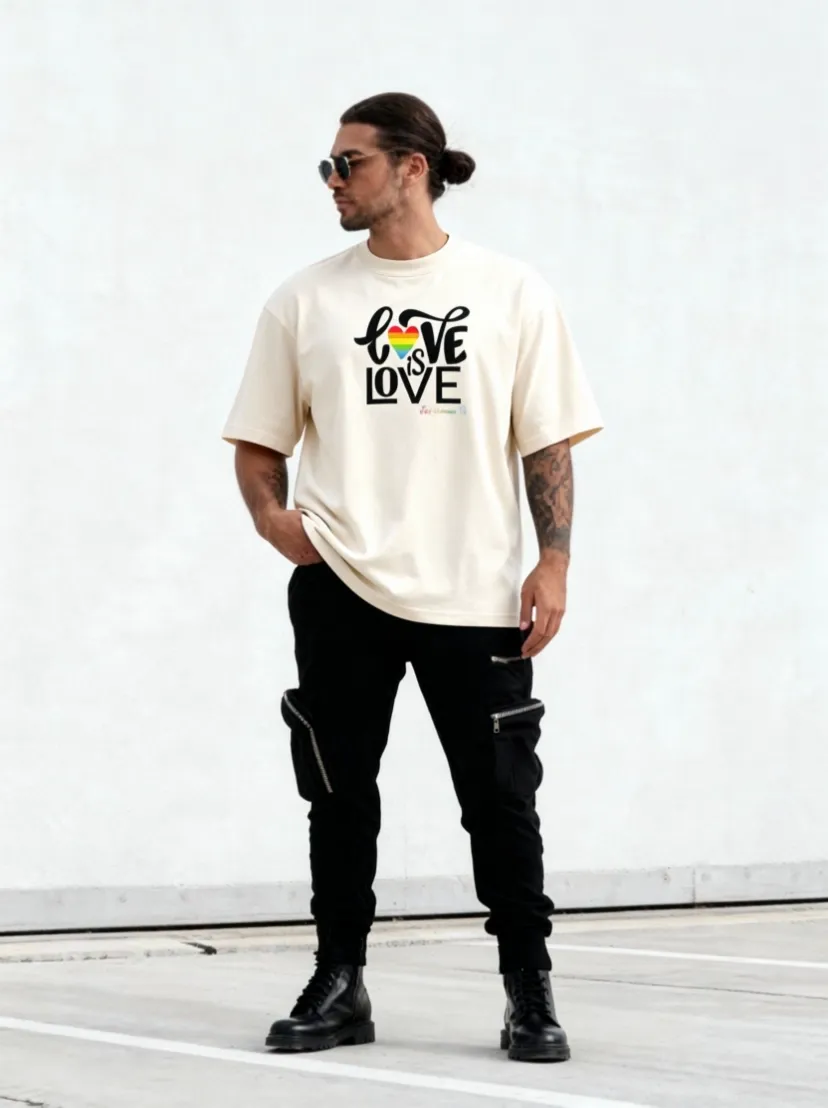
3. Realistic model motion when starting from on-model photos
When your source image is an on-model photo (or a Virtual Try-On result), Image to Video adds subtle, believable motion: slight weight shifts, hair movement, fabric flow, gentle turns. Not robotic. Not jittery. Not deepfake-uncanny. Just believable.
Relevant for: Try-on videos, lookbook content, brand ads, lifestyle product pages, and any clip where a real person is part of the story.
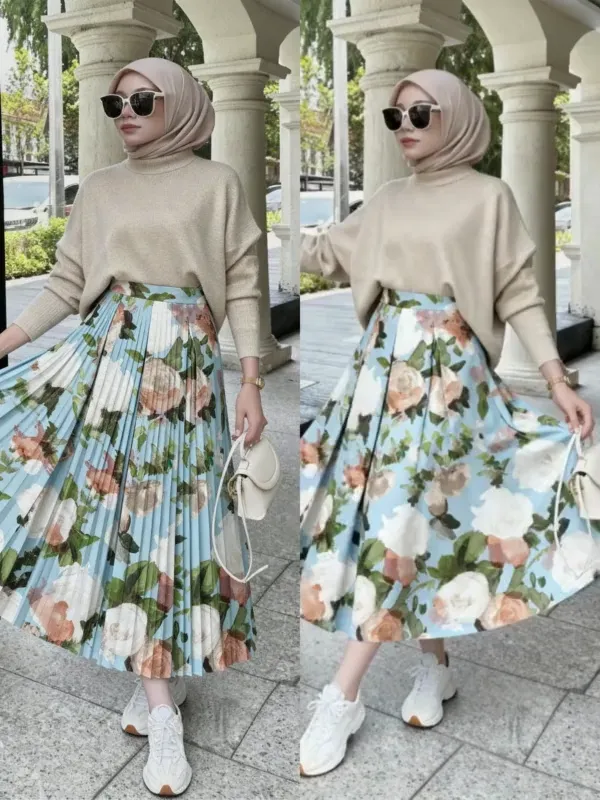
4. Smooth professional camera work
Pick from camera moves borrowed from real fashion video: slow dolly in, gentle pan, soft zoom, 360 rotation. Each is calibrated to feel professional, not random or experimental. The camera language matches what premium fashion brands use in their hero videos and PDPs.
Relevant for: Hero PDP videos, paid ad creative, brand storytelling, premium positioning, and any moment where the camera move needs to feel intentional.
Motion styles built for selling, not storytelling
Every preset is designed around one goal: keep the buyer's attention on the product. No cinema effects. No surreal transitions. Just clean, professional motion that makes your listing look like it came from a real shoot.
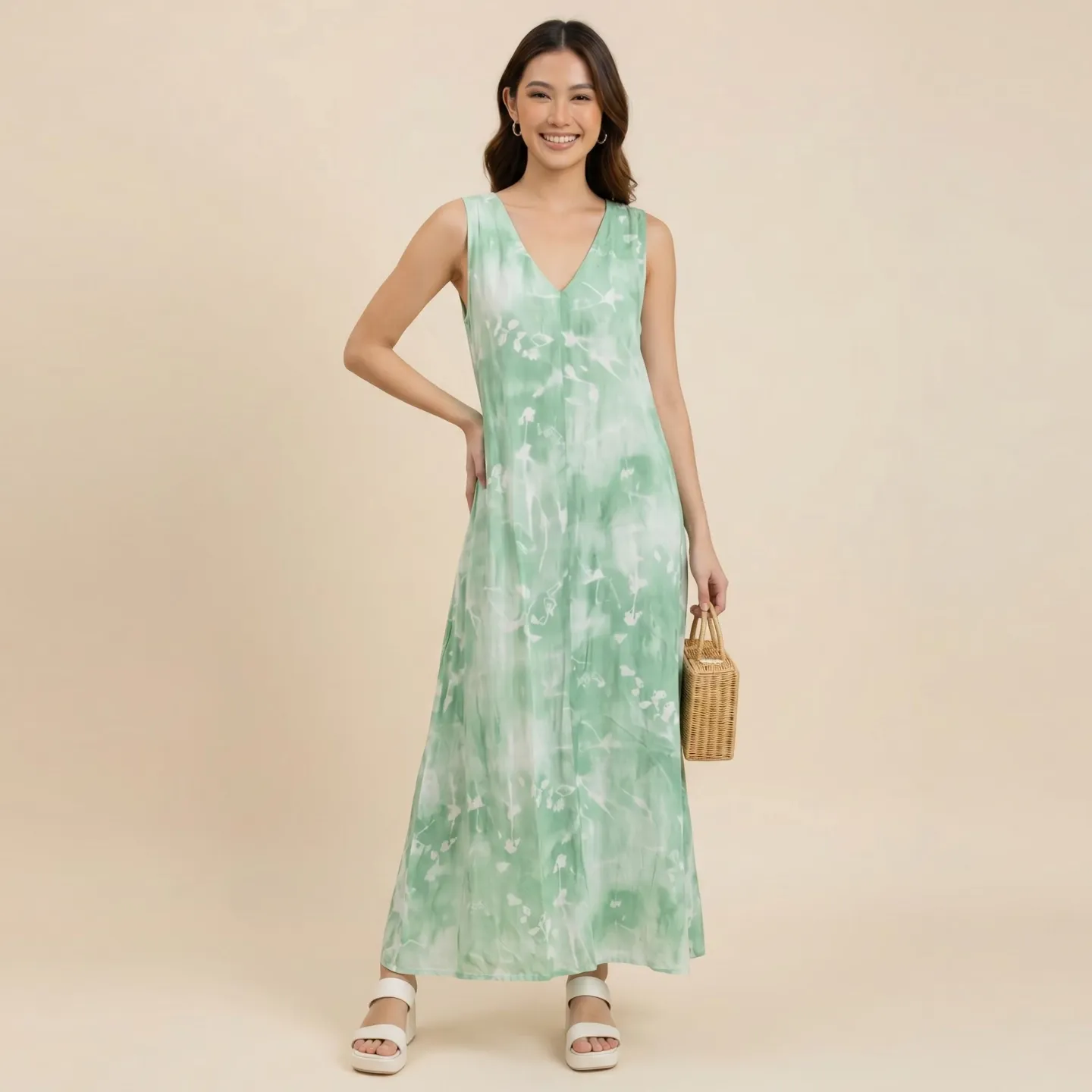
Model Shift
Subtle weight shifts and natural body movement. The model breathes. The fabric responds. Buyers see how the garment moves on a real person.
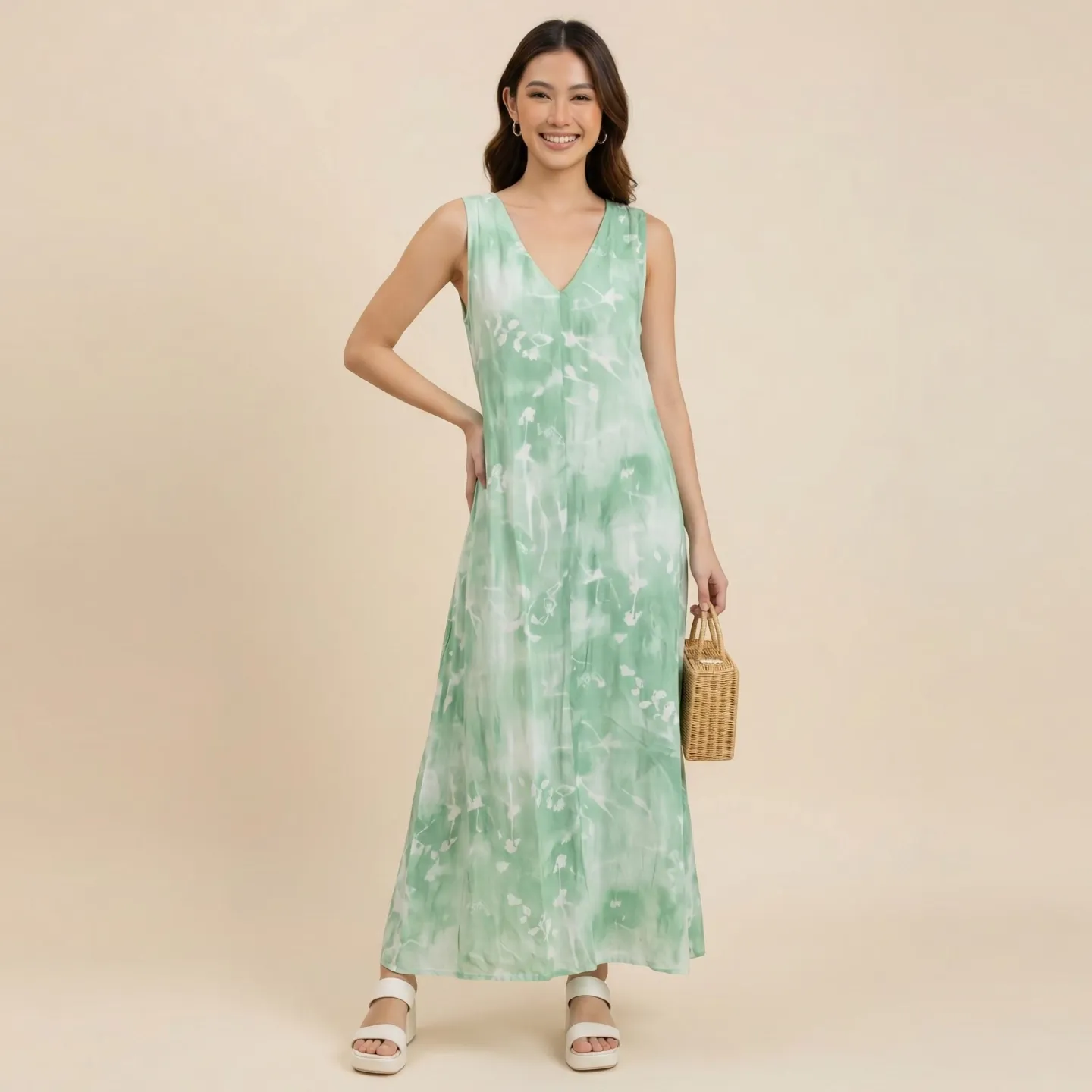
Slow Dolly
A smooth, cinematic camera push toward the product. Draws the eye to fabric detail, stitching, and texture without any abrupt movement.
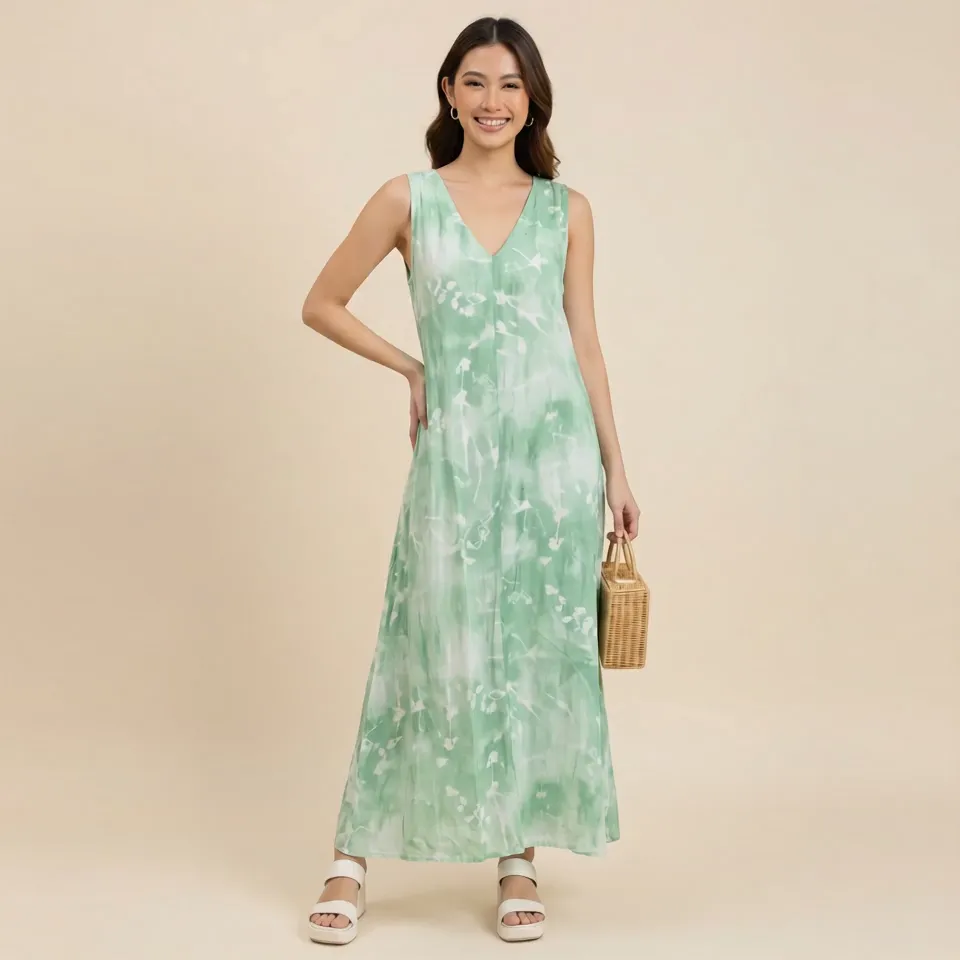
Fabric Flow
Wind-like motion through the garment. Silk catches air. Cotton ripples. Buyers see how the material behaves, not just how it looks flat.
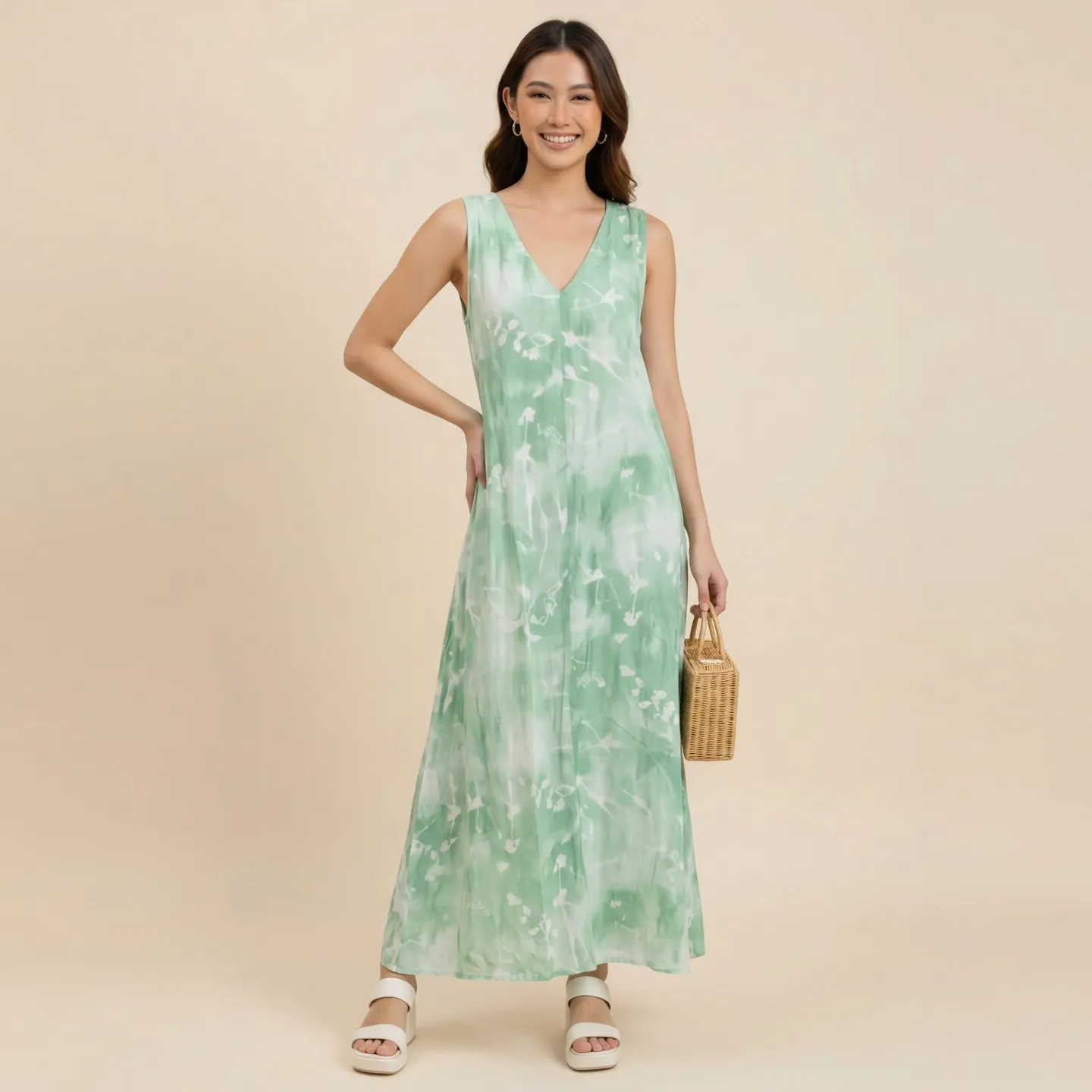
360 Spin
A slow product rotation that shows every angle. Ideal for structured garments like jackets, blazers, and outerwear where buyers want to see the full silhouette.
One photo. Every platform. Every format. Ready to post.
You sell on five platforms. Each one wants a different video size. Each one has different file limits. Each one has different autoplay rules. Without Snaproom, that means exporting, cropping, re-rendering, and re-uploading the same clip five times. Image to Video handles all of it in one generation.
TikTok Shop
9:16 verticalTikTok Shop product cards autoplay video. Listings without video get buried. Image to Video exports at 1080x1920 vertical, the exact format TikTok Shop expects, so your product card plays the moment a buyer scrolls past it.
MP4 · 1080x1920 · 9:16 · Recommended 21-34 seconds
Shopee Video
9:16 verticalShopee listings with video can earn up to 300% more views. Most small sellers skip video because filming is expensive. Image to Video gives you Shopee-ready clips from the same product photos you already have, sized to Shopee's exact upload specs.
MP4 · Max 1280x1280 · Under 30 MB · 10-60 seconds
Instagram Reels
9:16 verticalReels reach is 2 to 3 times higher than static feed posts. Image to Video lets you turn every product drop into a Reel without filming, so you post fresh video content weekly instead of monthly. Algorithms reward consistency. Your competitors are still posting flat-lays.
MP4 · 1080x1920 · 9:16 · Up to 90 seconds
Shopify Product Pages
16:9 horizontalProduct pages with video convert up to 80% better than image-only pages. Most Shopify stores still don't have video on their PDPs because filming is a project. Image to Video lets you add a hero clip to every product page from the photos you already shot.
MP4 · 1920x1080 · 16:9 · Under 20 MB recommended
Lazada
1:1 squareLazada favors video-rich listings in search results. A square product video in your listing gallery builds trust with buyers who compare multiple sellers side by side. Image to Video exports clean 1:1 clips that sit naturally in Lazada's product image carousel.
MP4 · 1:1 square · Clean background recommended
Facebook & Meta Ads
9:16 vertical1:1 squareVideo ads on Meta consistently outperform static image ads on CTR and CPA. Image to Video lets you generate dozens of ad creative variations from one source image, in both vertical and square formats, so your performance team can A/B test at scale without waiting for new shoots.
MP4 · 9:16 or 1:1 · Under 30 seconds recommended for feed
Every export is MP4 with H.264 encoding, the universal standard that every platform, every ad manager, and every social scheduler accepts without conversion. Upload directly from Snaproom to your channel. No re-encoding. No format errors. No wasted time.
What Image to Video never changes
Your product is your product. Image to Video is engineered to be non-destructive.
It will never: change garment color, alter prints or patterns, modify logos or branding, swap or redesign the product, generate a different garment than the one you uploaded, or hallucinate features that aren't in your source image. The product in frame 1 is the product in the final frame.
Image to Video vs. your other options
| Image to Video | Hiring a Videographer + Crew | Phone Filming + DIY Edit | General AI Video Tools (Runway, Pika, Sora) | |
|---|---|---|---|---|
| Time per clip | Under 60 seconds | 1 to 2 weeks per shoot | Half a day per clip | Minutes per generation |
| Cost per clip | Cents | USD 500 to 2,500 per shoot | Your time plus retakes | Subscription, often expensive |
| Built for ecommerce | Fashion-specific | If specialized | Generic | Generic |
| Product fidelity | Color, print, branding locked | Real product | Real product | Often morphs the product |
| Marketplace formats | 9:16, 1:1, 16:9 ready | Manual reformatting | Manual reformatting | Manual reformatting |
| Scales to full catalog | Too expensive | Too slow | Inconsistent quality | |
| Commercial license | Included | Negotiated | Yours | Often unclear |
| Pairs with try-on | Yes (Virtual Try-On) | Manual | Manual | No |
Built for sellers who need video on every channel they sell
Image to Video was designed around one specific problem: ecommerce sellers competing in feeds and listings that increasingly demand video, but who can't run filming sessions for every SKU, every drop, every variant, every campaign.
TikTok Shop Sellers
Vertical 9:16 product cards. Affiliate creator briefs. Live-stream support content. Image to Video generates the motion content TikTok Shop needs without filming, so you stay in the algorithm without running out of creative or burning through filming days.
Shopee and Lazada Video Sellers
Shopee listings with video can earn up to 300% more views than image-only listings. Lazada favors video-rich listings in search. Image to Video gives you platform-ready clips for every SKU, sized exactly to Shopee Video specs (under 30 MB, 9:16, 10 to 60 seconds) and Lazada video upload requirements.
Shopify and DTC Brands
Product pages with video convert up to 80% better than image-only pages. Image to Video lets you add a hero PDP video to every product page without booking shoots, plus generate paid ad variations from the same source image, so you can A/B test creative without burning your production budget.
Instagram Reels and Social-First Boutiques
The algorithm rewards weekly fresh video content. Image to Video lets you turn last week's photoshoot into next week's Reels, this week's TikTok Shop product card, and this month's ad creative, all from the same source images, on a content schedule your team can actually keep up with.
Performance Marketers Running Paid Ads
A/B testing video creative on Meta and TikTok needs volume. Image to Video lets you generate dozens of ad variations from one source image, with different motion styles, lengths, and aspect ratios, all ready to test in Ads Manager without touching a timeline editor.
Resellers, Dropshippers, and Indie Sellers
Supplier photos give you static. Your competitors are running video. Image to Video closes the gap, turning static product photos into platform-ready video without the cost of filming, the time of editing, or the licensing fees of stock.
What product video actually does for your sales
Higher conversion rate on product pages with video vs. image-only listings
Vimmi Commerce Benchmark Index, 2025
Average increase in Shopee listing views when sellers add product video
Shopee seller-network reports
More likely a shopper is to buy after watching a product video
Wyzowl video marketing research
Average lift in add-to-cart rate after a buyer watches product video
Invesp ecommerce video research
"Filming a single TikTok Shop video used to cost us RM 1,200 and take a week. Now I generate twenty motion variations from one product photo in an afternoon. Our CTR on product cards is up 60%."
- TikTok Shop seller, Penang
"We were the only Shopify brand in our category without product video. After Image to Video, every PDP has a hero clip. Conversion lift in the first month was 31%."
- DTC fashion brand, Singapore
"I run paid ads on Meta and TikTok. Image to Video lets me generate fifteen ad variations per week instead of two. My CPA dropped because I can finally test creative properly."
- Performance marketer, Sydney
Where Image to Video fits in your content pipeline
Image to Video is the final step in most Snaproom workflows: the moment your professional product image becomes a professional product video. Use it standalone on any image you have, or chain it with the rest of Snaproom for a full pipeline from flat-lay to ad-ready clip.
Start here: Upload your product image (a Virtual Try-On result, Ghost Mannequin output, Multi-Angle shot, or any clean product photo) to Image to Video. Get a smooth, marketplace-ready video clip in under a minute.
Then use:
Frequently asked questions
Explore More Snaproom AI Tools
Virtual Try-On
Generate realistic on-model fashion photos from your flat-lay or hanger images, the perfect source for Image to Video.
Learn moreAI Fashion Photoshoot
Build full studio-grade fashion scenes for hero banners, campaigns, and ad creative.
Learn moreMulti-Angle Photography
Generate front, side, back, and 3/4 views from a single image to build complete product page coverage.
Learn moreYour next listing deserves to move.
Every product photo you publish competes against video. A static image tells your buyer to imagine the motion, the drape, the moment. Image to Video gives them the moment, in under a minute, for the cost of a coffee.
Upload your first image free. No credit card. No camera. No filming required.