
Studio-Quality Clothing Photos. No Photographer. No Studio.
Smart Retouch uses AI to transform raw, wrinkled, or poorly lit clothing photos into polished, conversion-ready product images in seconds.
No editing skills needed · Works on flat lays, hangers, ghost mannequins & model shots · Results in under 30 seconds
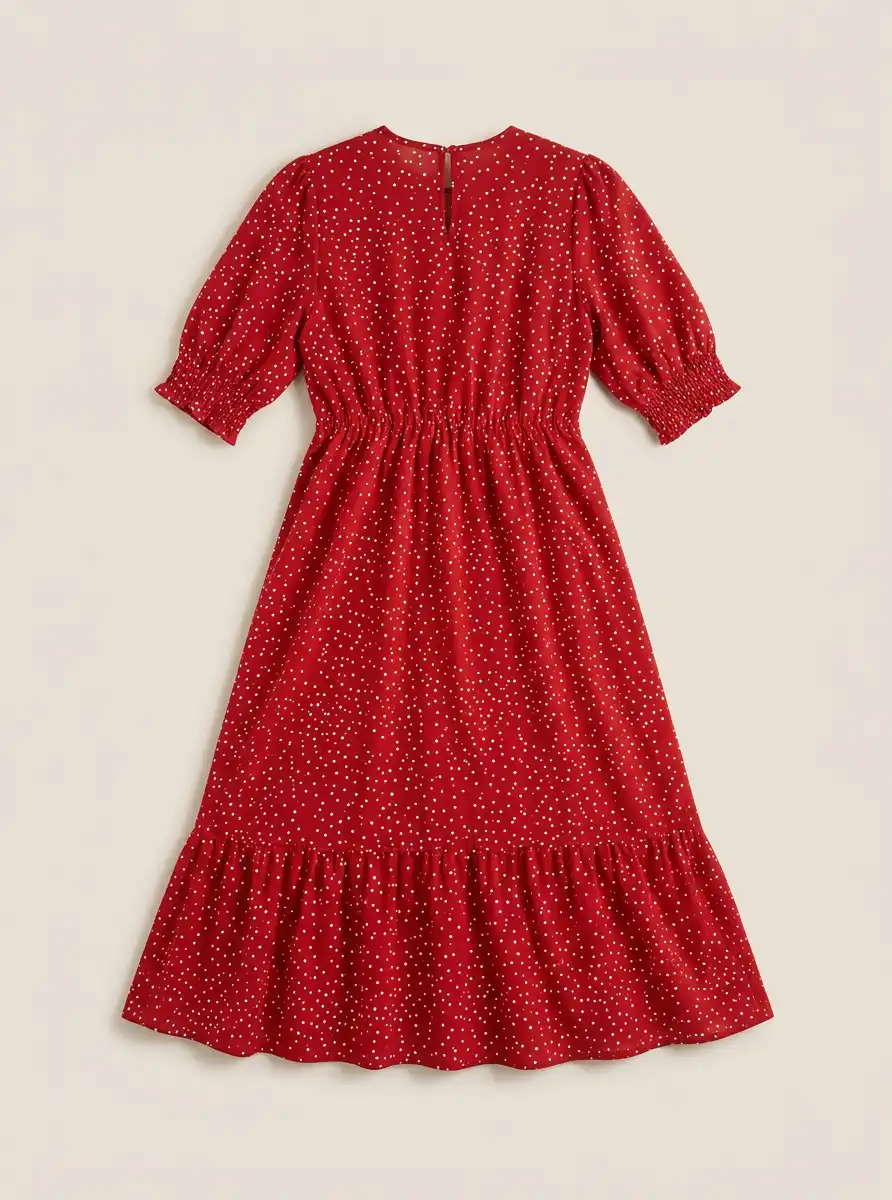
Drag to compare · Same dress, one click
Your clothing photos are costing you sales.
Most fashion sellers know the feeling. You've spent hours sourcing the perfect piece, listing it carefully - and then the photo lets everything down.
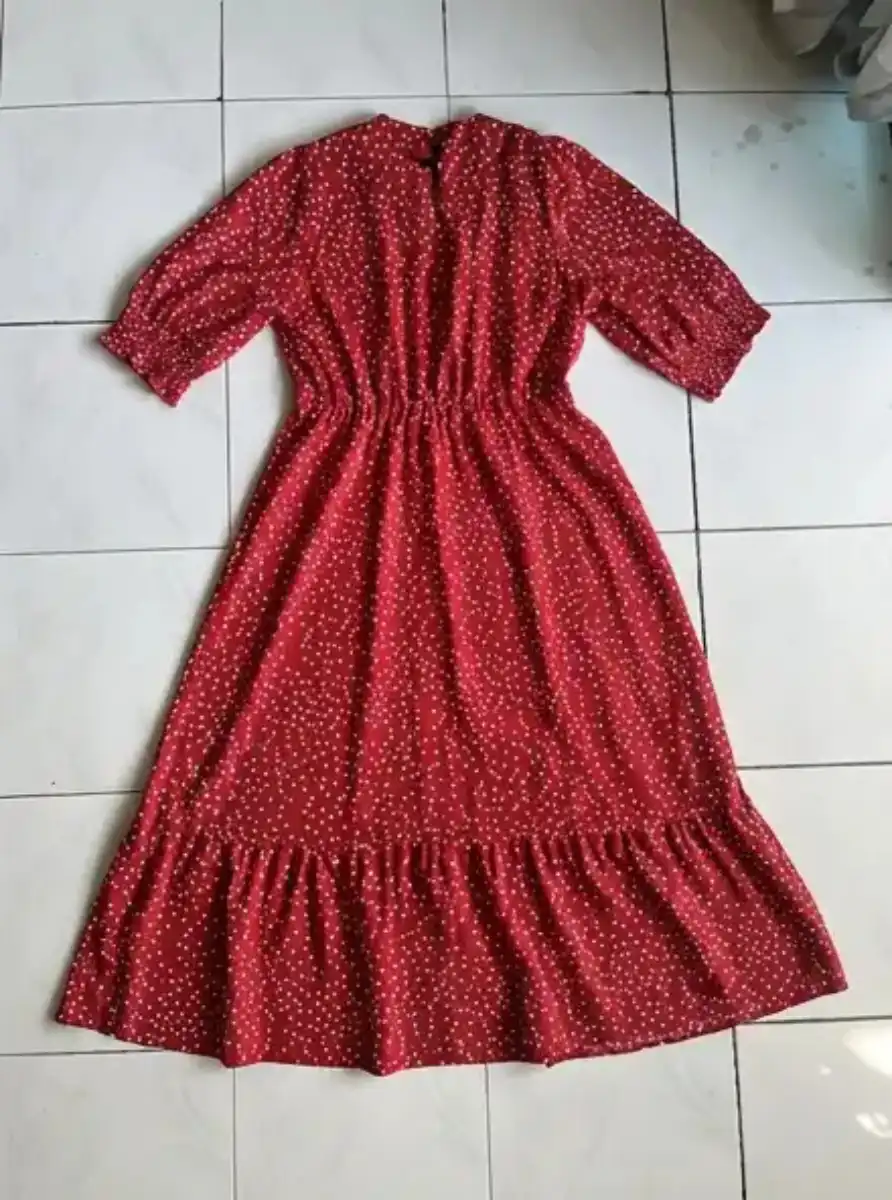
Wrinkled fabric photographed on a tile floor. Uneven shadows from a phone flash. A cluttered background that screams "small seller." Colours that don't look right.
Buyers judge your brand in 0.3 seconds. If your photo doesn't look professional, they don't click. If they don't click, they don't buy.
The problem isn't your product, it's the photo. That's exactly what Smart Retouch fixes.
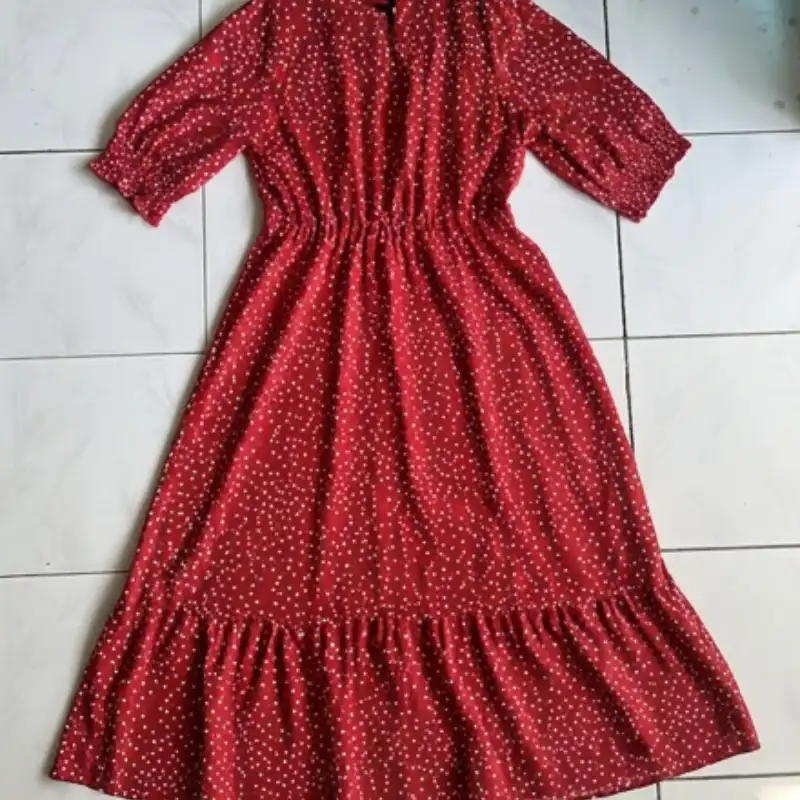
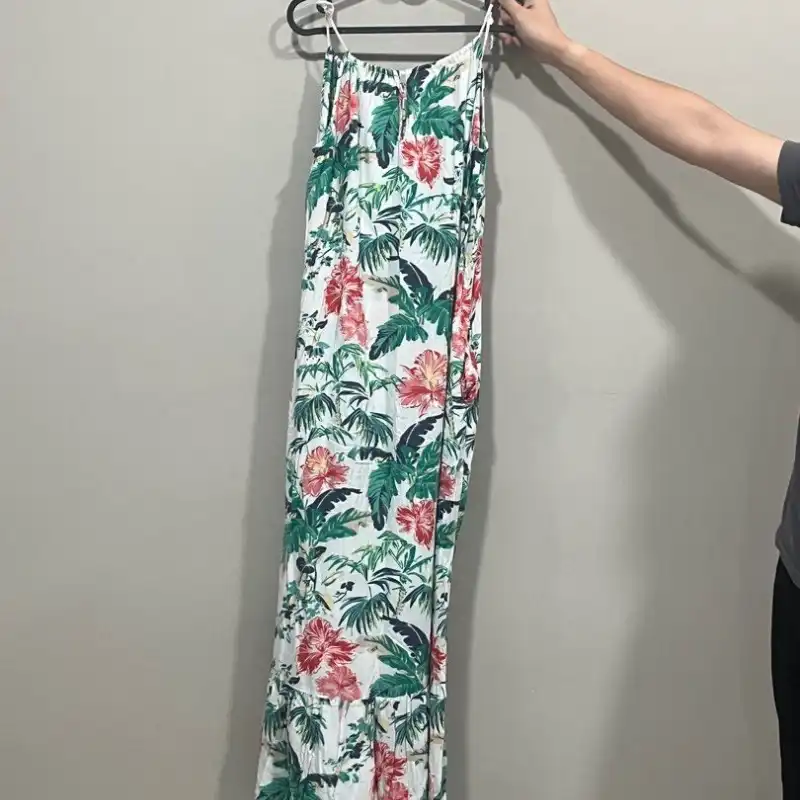
Dress on tile floor - bad photo example
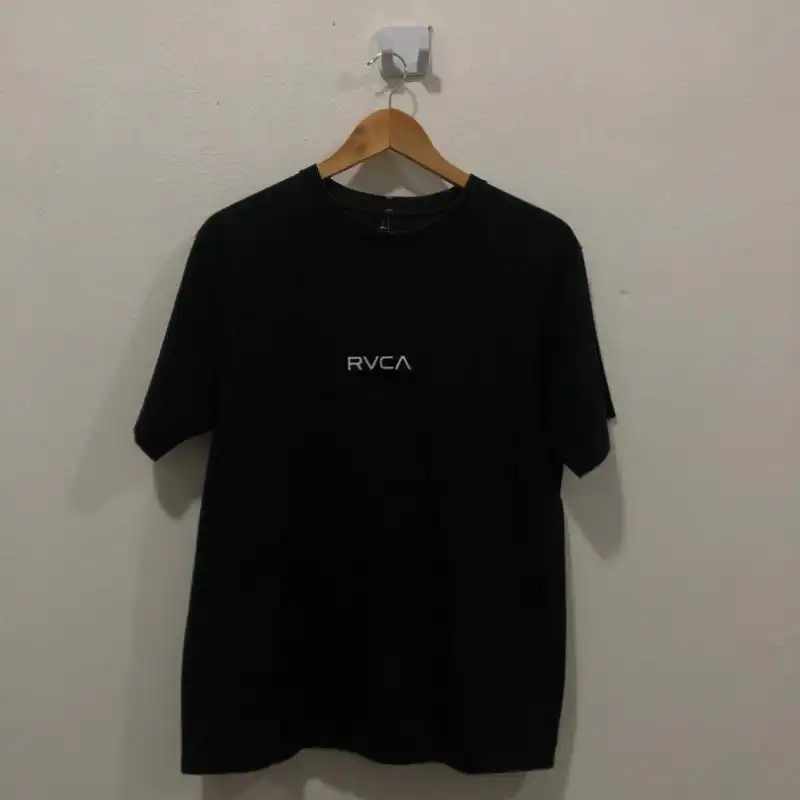
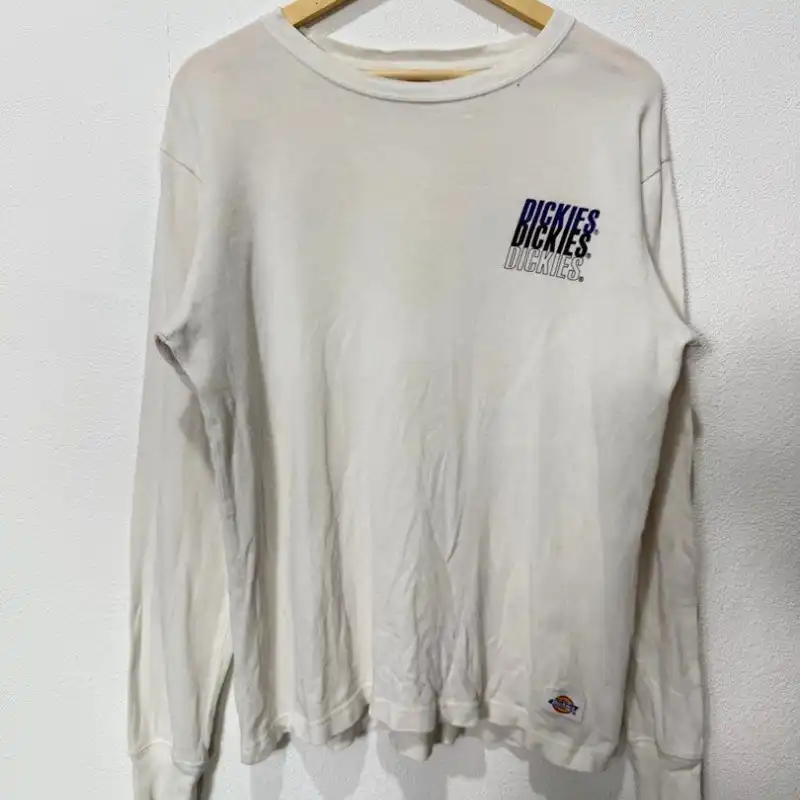
T-shirt on door handle with harsh shadows
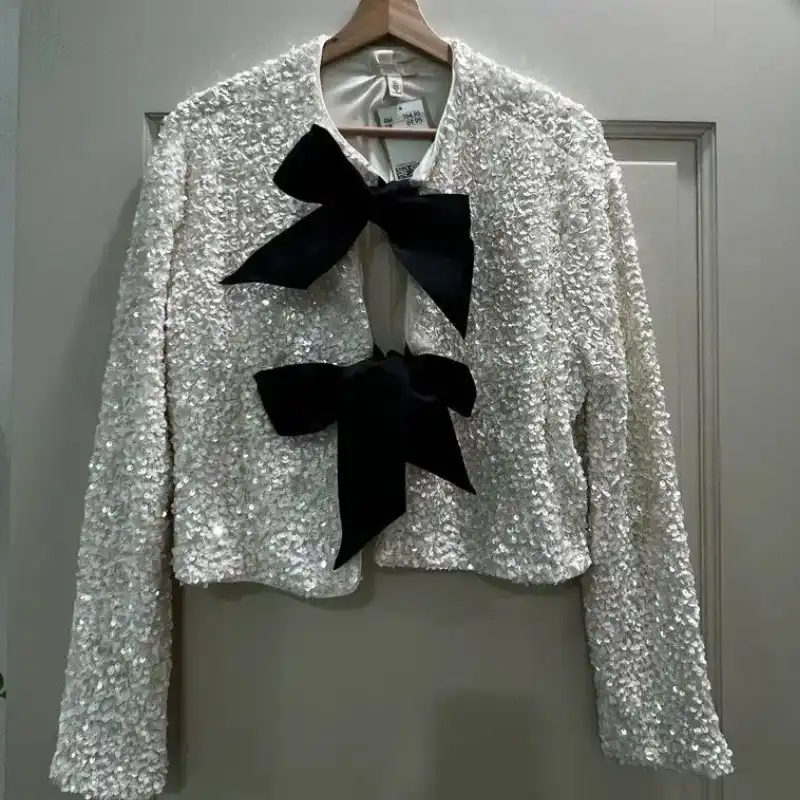
Jacket on hanger against uneven grey wall
Folded hoodie on bedsheet with creases
Sound familiar? Smart Retouch fixes all of these.
What is Smart Retouch?
Smart Retouch is Snaproom's AI clothing photo enhancement tool. It analyses your uploaded clothing image, diagnoses every visual issue - wrinkles, poor lighting, distracting backgrounds, flat structure - and generates a professionally retouched version in seconds.
Unlike generic photo editors, Smart Retouch is built specifically for clothing and fashion product photography. It understands garments. It knows the difference between a natural fabric fold and an unacceptable crease. It preserves prints, logos, embroidery, and branding exactly as they are, while transforming everything else.
The result: photos that look like they came out of a professional studio, without the cost or the wait.
Built for:
Fashion brands selling on Shopify, WooCommerce, or their own site
Marketplace sellers on Lazada, Shopee, Zalora, Amazon, eBay, or Etsy
Independent clothing designers and small fashion labels
Resellers and secondhand fashion platforms
Clothing wholesalers building digital catalogues
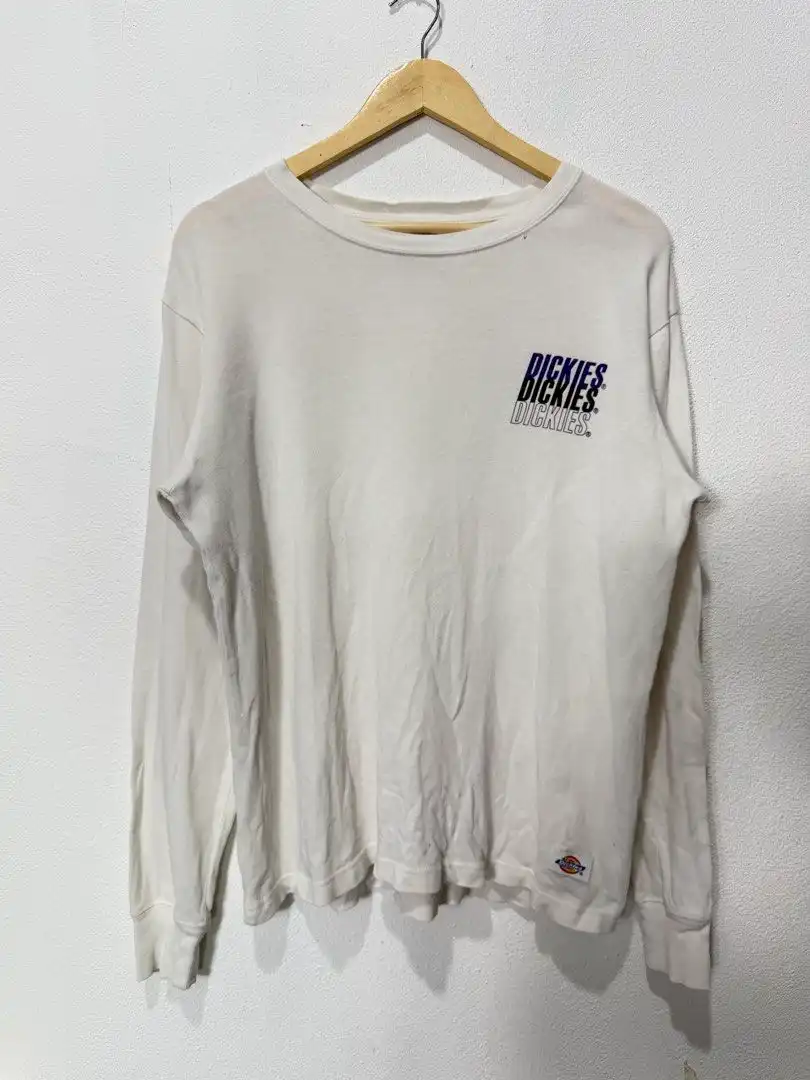
Your photo
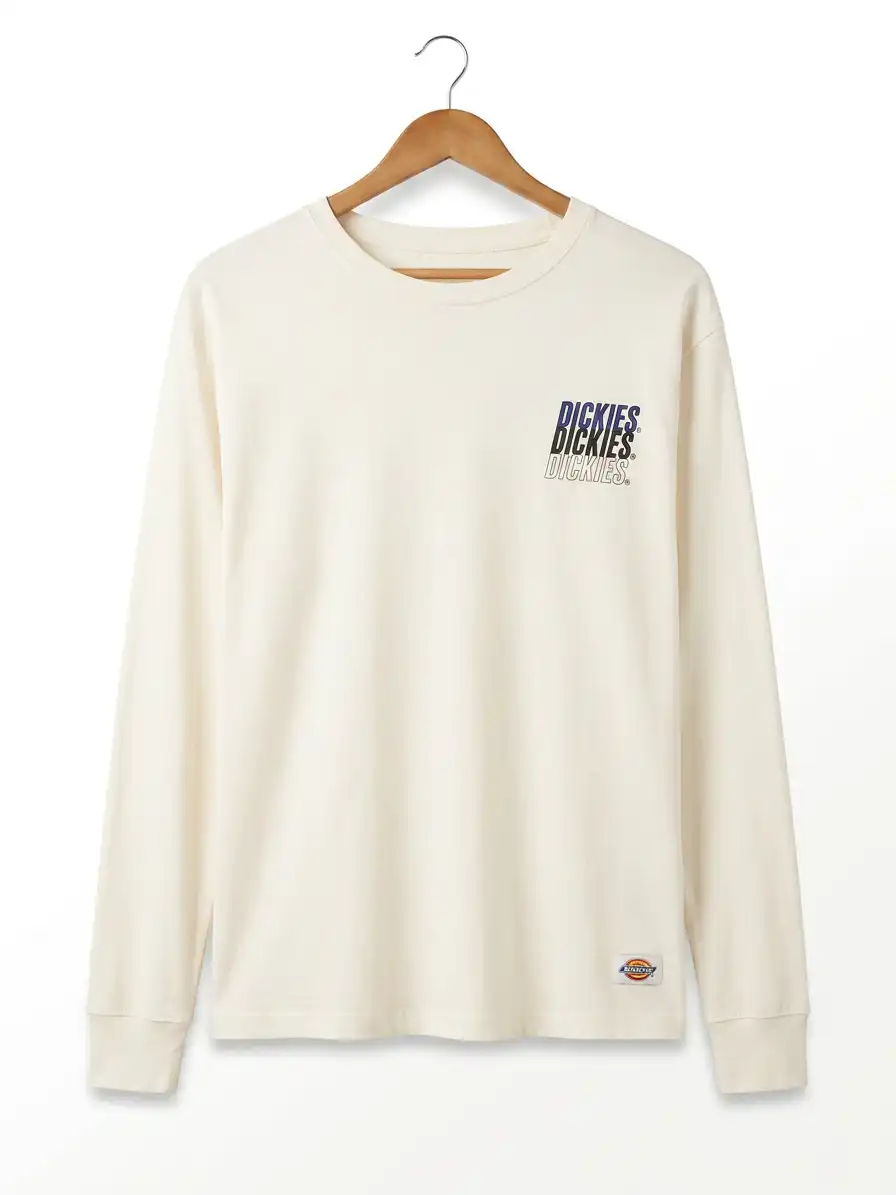
After Smart Retouch
How Smart Retouch works
No Photoshop. No design skills. Three steps.
Upload your clothing image
Any photo works. Flat lays, hanger shots, ghost mannequin images, or existing model photos. JPG, PNG, or WEBP.
Choose your output settings
Select your aspect ratio (we default to 3:4, ideal for most fashion marketplaces) and your resolution. That's it.
Generate and download
Our AI analyses your image, diagnoses every issue, and generates a fully enhanced version. Download in HD or 4K, ready for your store, marketplace, or ad campaign.
What Smart Retouch fixes in your clothing photos
Every image is analysed and improved across five dimensions.
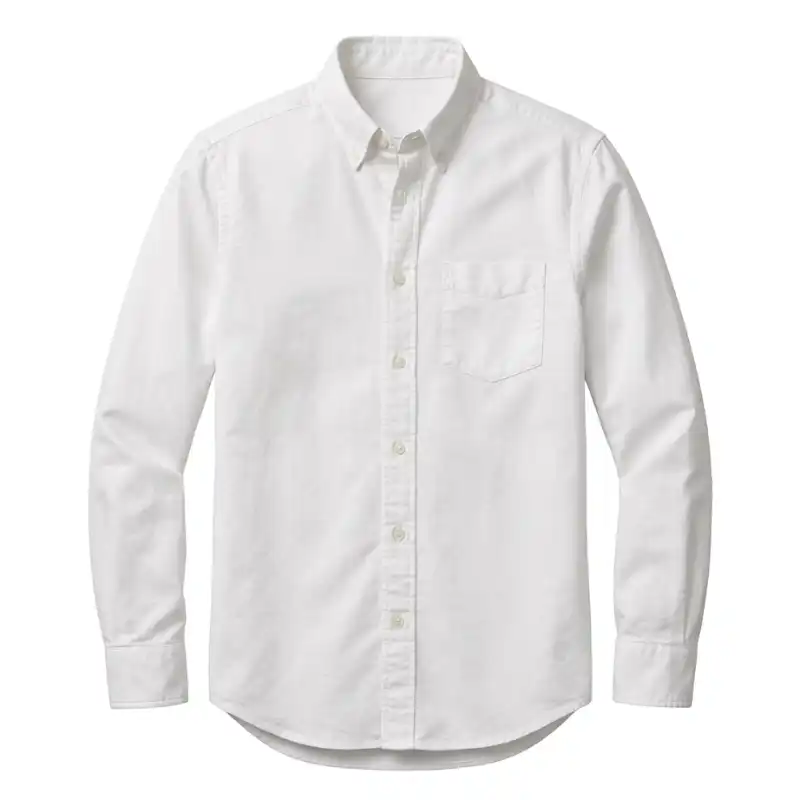
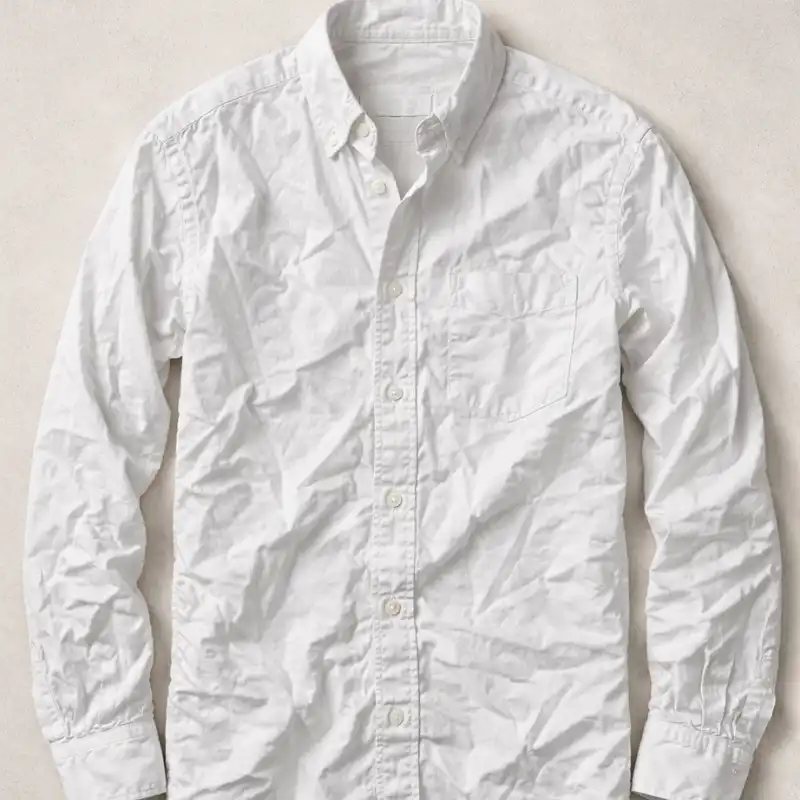
1. Wrinkles and fabric creases
The most common problem in clothing product photography - and the one buyers notice most. Smart Retouch removes wrinkles and creases naturally, preserving the fabric's authentic texture while eliminating the distracting folds that make garments look worn or unprofessional. No ironing. No reshoot.
Relevant for: Flat lays, hanger shots, packaged garments, and any clothing photographed after folding or transit.
2. Garment structure and silhouette
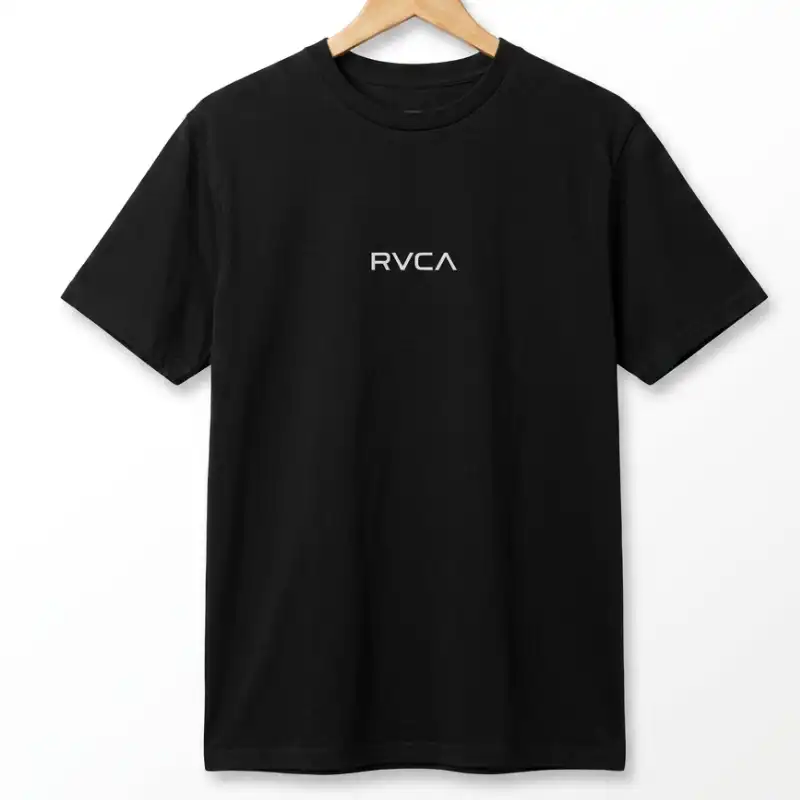
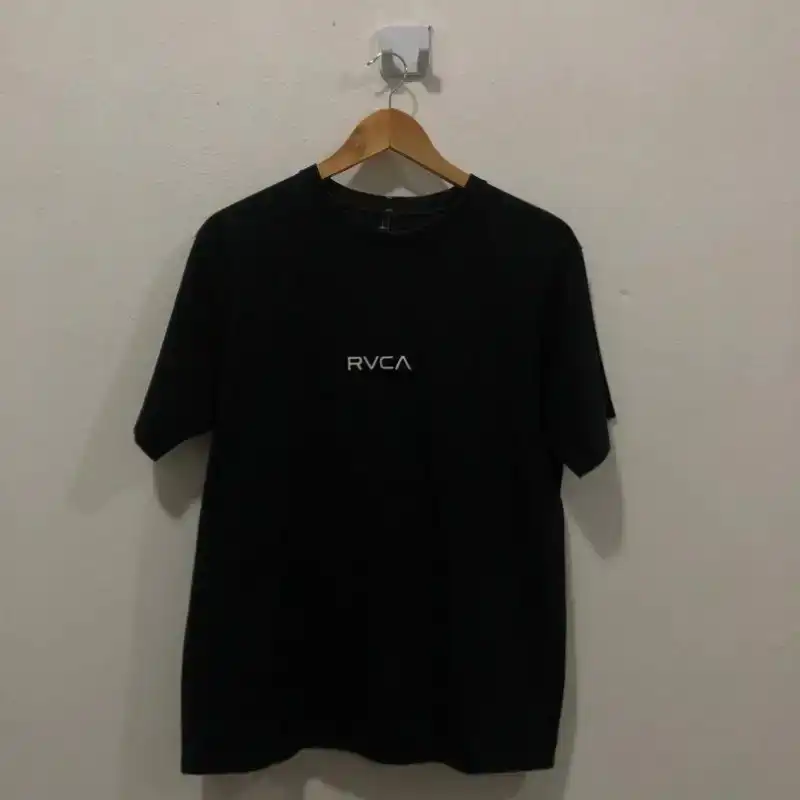
Flat, lifeless clothing photos undersell your product. Smart Retouch adds natural structure to garments - a subtle "lightly filled" effect that gives the clothing shape and presence without looking artificial or over-processed. Sleeves hang correctly. Waists are defined. Hems sit straight.
Relevant for: T-shirts, dresses, jackets, knitwear, and any garment that collapses when not on a body.
3. Lighting and exposure
Harsh phone flash. Uneven natural light from a window. Shadows across the fabric. These lighting issues are invisible to the seller but immediately obvious to the buyer. Smart Retouch applies soft, diffused studio lighting - the kind that reveals fabric texture, makes colours pop, and builds visual trust.
Relevant for: Any product photographed at home, in a warehouse, or under artificial lighting.
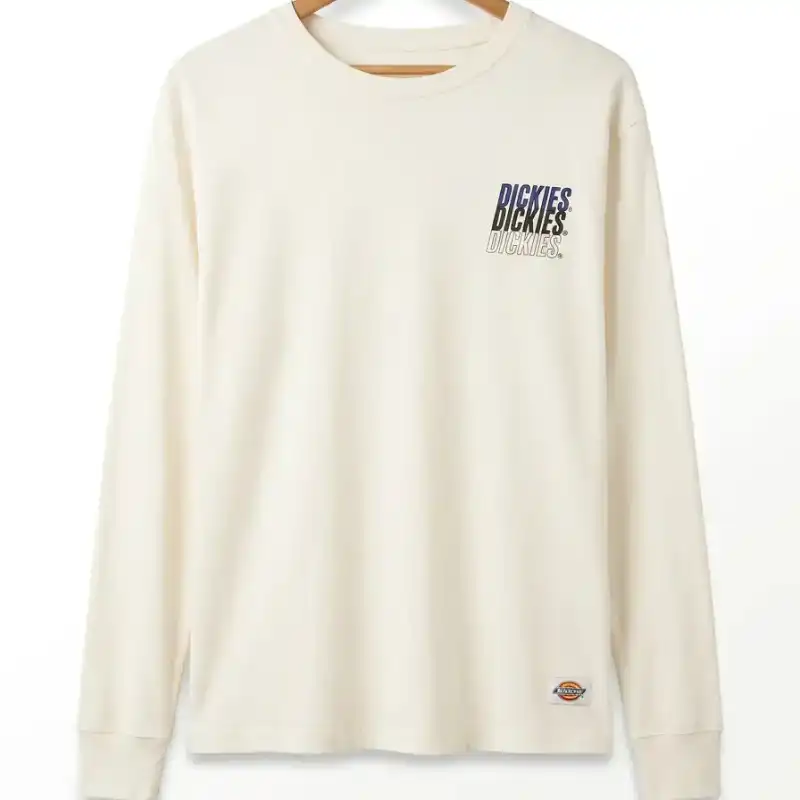
4. Background cleanup and replacement
A cluttered, distracting, or non-ecommerce background is the fastest way to look unprofessional. Smart Retouch replaces messy backgrounds with clean studio neutrals - pure white, soft grey, or warm cream - chosen intelligently based on your garment's colour and tone. The result fits platform requirements for Lazada, Shopee, Amazon, Zalora, and other marketplaces.
Relevant for: Any product photographed at home, outdoors, or against a non-studio background.
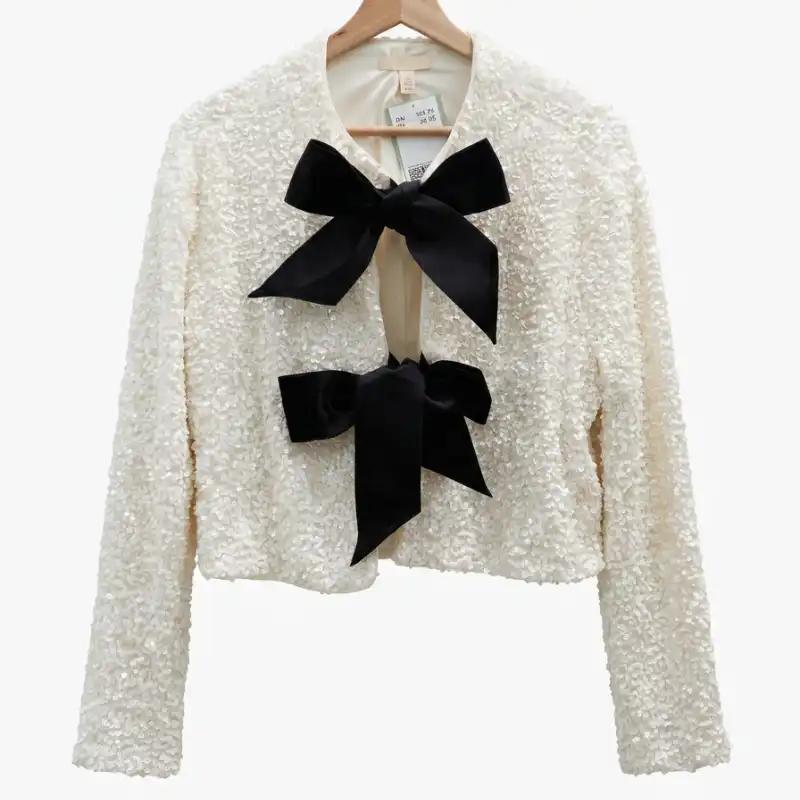
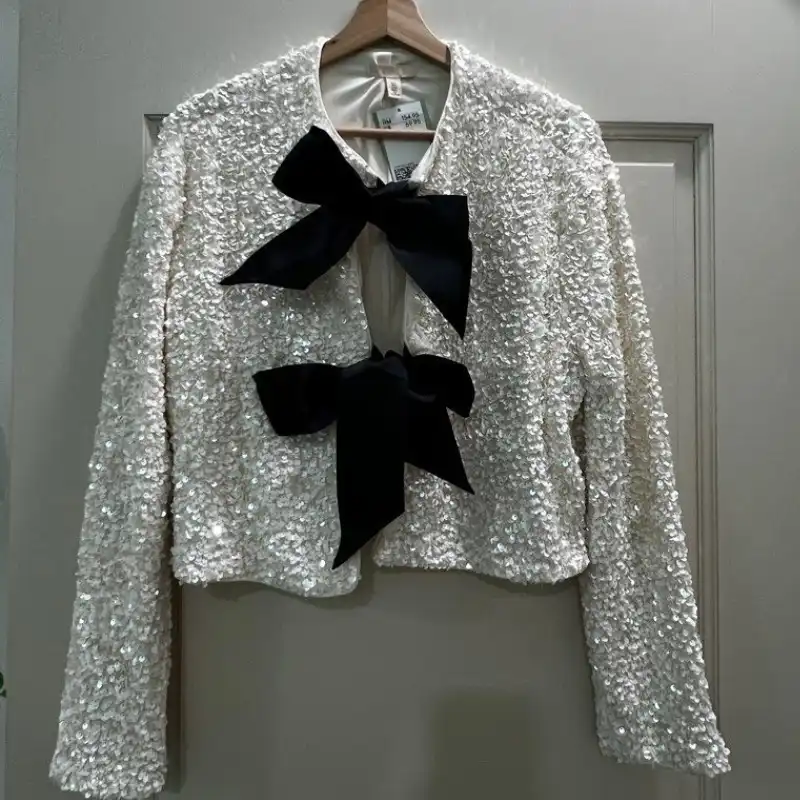
5. Composition, centering, and alignment
A tilted photo, an off-centre garment, or an awkward crop kills conversion. Smart Retouch corrects framing, centres the garment, and ensures sleeves, waist, and hem are balanced - creating the visual consistency that makes product pages look professional and trustworthy.
Relevant for: All clothing photography, especially handheld phone shots.
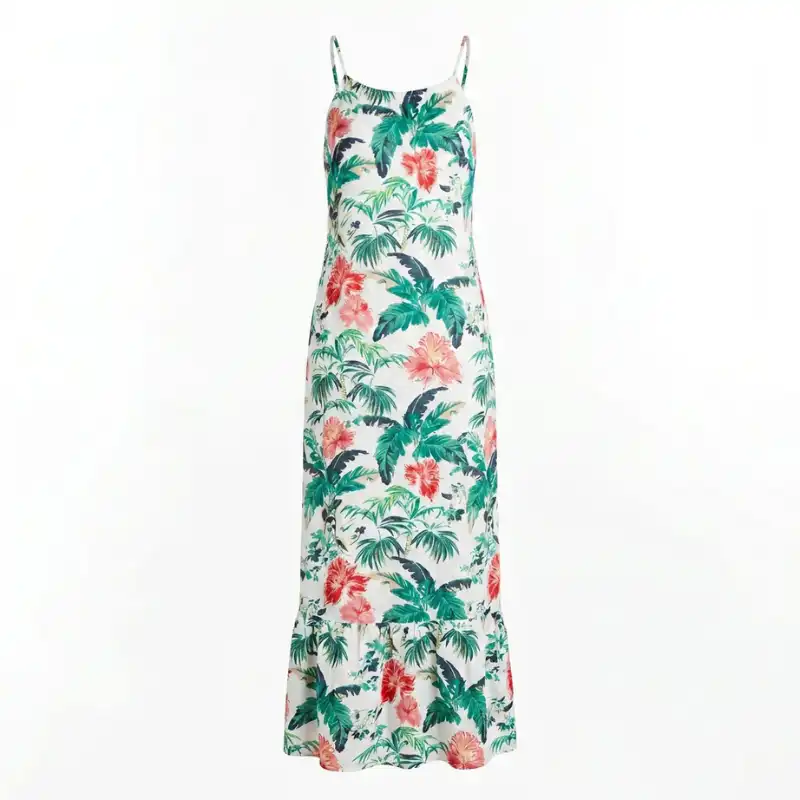
What Smart Retouch never changes
Your garment is your product. Smart Retouch is engineered to be non-destructive.
It will never: change the garment's colour, alter prints or patterns, add or remove design details, modify logos or branding, or redesign the product in any way. What you upload is what you sell - just presented at its absolute best.
Smart Retouch vs. your other options
| Smart Retouch | Traditional Photographer | Photoshop / Lightroom | Generic AI Enhancer | |
|---|---|---|---|---|
| Time per image | Under 30 seconds | 2–5 days | 30–60 min per image | Seconds |
| Cost per image | Cents | $20–$200 | Subscription + time | Varies |
| Fashion-specific | Built for clothing | If specialised | Generic | Generic |
| Preserves garment details | Non-destructive | Manual | Often alters | |
| Wrinkle removal | Automatic | Manual Photoshop | Manual | Inconsistent |
| Background cleanup | AI intelligent | Manual | Manual | Basic |
| No skills needed | ||||
| Scales to full catalogue | Too expensive | Too slow |
Built for fashion sellers who photograph their own products
Smart Retouch was designed around one specific problem: fashion and clothing sellers who take their own product photos - on a phone, in their home, warehouse, or studio - and need those photos to look professional without a professional's time or budget.
Independent Fashion Brands & DTC Labels
Every image on your site is brand communication. Smart Retouch ensures your photography matches the quality of your vision - even if your current setup is a phone and a window.
Shopify & WooCommerce Clothing Stores
High-quality product photos increase conversion rates by up to 94%. Smart Retouch gives every SKU in your catalogue a professional finish, fast.
Lazada, Shopee & Zalora Sellers
Marketplace buyers scroll thumbnails and click in under a second. Smart Retouch produces clean, bright, centred images that meet platform guidelines and outperform competitor listings.
Secondhand & Pre-loved Fashion Resellers
Every garment arrives wrinkled and you can't afford a studio per piece. Smart Retouch turns a quick phone photo into a marketplace-ready listing image in seconds.
Fashion Wholesalers Building Catalogues
Hundreds of SKUs. Thousands of images. Smart Retouch processes clothing images consistently at scale - same lighting, same structure, same background.
Clothing Designers Sharing Early Samples
Your designs deserve better than a rushed sample photo. Smart Retouch presents your sample garments at their best for lookbooks, buyer pitches, and wholesale presentations.
What better product photos actually do for your sales
Higher conversion rate from high-quality product images vs. low-quality ones
Industry research, multiple ecommerce studies
Reduction in return rates when product images accurately represent the item
Ecommerce returns data
The time a buyer takes to judge a product listing based on its main image
More likely to be clicked - listings with clean, well-lit images vs. cluttered ones
A/B test data
"Our listing photos looked like we photographed them in a car park. After Smart Retouch, they look like we hired a studio. Sales on our first collection jumped 60% in the first month."
- Fashion brand owner, Kuala Lumpur
"I list pre-loved clothing on Carousell and Shopee. Before this, I was spending 20 minutes per item trying to edit in Lightroom. Now it takes 30 seconds and the results are better."
- Reseller, Penang
"We process 200+ new SKUs per month. Smart Retouch has completely replaced our manual retouching workflow. Consistent results, every time."
- Fashion wholesale buyer, Selangor
Where Smart Retouch fits in your content pipeline
Smart Retouch is designed to be the first step in your Snaproom workflow - the foundation that makes everything else work harder.
Start here: Upload your raw clothing photo to Smart Retouch. Get a clean, professional base image.
Then use:
Frequently asked questions
Smart Retouch is designed to enhance presentation, not redesign your product. It will never alter your garment's silhouette, change its design details, add or remove features, or modify logos, prints, or branding.
That said, one thing worth knowing: because Smart Retouch applies professional studio lighting to your image, colours may appear slightly brighter or more vivid than in your original photo - the same way a garment looks different under a studio light versus a bedroom ceiling light. This is an enhancement, not an error. In most cases, the retouched colour is actually closer to how the garment looks in real life than the original photo was.
If your original photo was taken in accurate natural light and colour precision is critical, we recommend comparing the output against your garment before publishing.
Explore More Snaproom AI Tools
Multi-Angle Photography
Generate front, back, side, and ¾ views from a single clothing image.
Learn moreAI Fashion Photoshoot
Turn one product image into a complete, studio-grade AI fashion photo set.
Learn moreAI Image to Video
Turn static product photos into engaging AI videos for social ads.
Learn moreYour next listing deserves better photos.
Every clothing photo you publish is a sales decision. A wrinkled, dimly lit, poorly composed product image tells buyers your brand doesn't care about quality - before they've read a single word of your listing.
Smart Retouch fixes that in 30 seconds.
Upload your first image free. No credit card. No learning curve. No studio required.