Amazon apparel image requirements (2026)
By Snaproom · September 13, 2026 · 7 min read
A great sweatshirt can lose the Buy Box before a shopper reads a word of copy. If the main image is too small, the background isn't quite white, or the garment doesn't match what arrives, the listing gets suppressed, rejected, or scrolled past. Amazon's apparel image rules aren't a style preference, they're a listing readiness checkpoint.
The harder part isn't passing upload validation. It's building a gallery that clears Amazon's technical bar while still making fit, fabric, and construction obvious on a phone screen a shopper is scrolling past in under a second.
Amazon's main image needs a pure white background at exactly RGB 255,255,255, the product filling at least 85% of the frame, no text or props, and at least 1000 pixels on the longest side to enable zoom. For most adult apparel, that main image must show the garment on a live model or via ghost mannequin, a flat lay does not qualify. Secondary images have more freedom, six slots as standard and more with Brand Registry, and that's where fit, fabric, and construction actually get proven.
The main image has one job, identify exactly what's being sold, cleanly enough that Amazon's automated checks and a scrolling shopper both read it instantly. That means a background at exactly RGB 255,255,255, not off-white, not a photo of a white wall, since Amazon's systems detect the difference even where a human eye can't.
The product needs to fill at least 85% of the frame. A garment floating in a large white field is a common rejection trigger, not a stylistic choice worth keeping. No text, logos, watermarks, borders, or badges belong on this image, and no props, hangers, or packaging that could make a shopper think something extra ships with the order.
| Requirement | Value |
|---|---|
| Background | Pure white, RGB 255,255,255 exactly |
| Product fill | At least 85% of the frame |
| Minimum resolution | 1000 px on the longest side (for zoom to activate) |
| Recommended resolution | 2000 px or more |
| Max file size | 10 MB |
| Aspect ratio | 1:1 square |
| Color profile | sRGB |
The rule sellers get wrong most is assuming a clean background is enough. For most adult apparel categories, tops, dresses, pants, outerwear, Amazon's main image must show the garment on a live model or via the ghost mannequin technique. A flat lay, however well lit, does not satisfy the main image slot for these categories. The exceptions run the other way for kids and baby clothing, where flat lay is generally preferred, and for accessories, socks, and multi-packs, where flat lay is typically accepted. We've broken the full category table down in flat lay vs ghost mannequin vs on-model, worth checking before you lock a hero format, since the rule differs by subcategory and Amazon updates style guides without much notice.
The main image earns the click. Everything after it has to answer the reason a shopper hesitates. Amazon gives most listings six secondary image slots beyond the main, Brand Registry unlocks more, plus a video slot, so treat that space as a fixed, deliberate sequence rather than a dumping ground for more angles of the same shot.
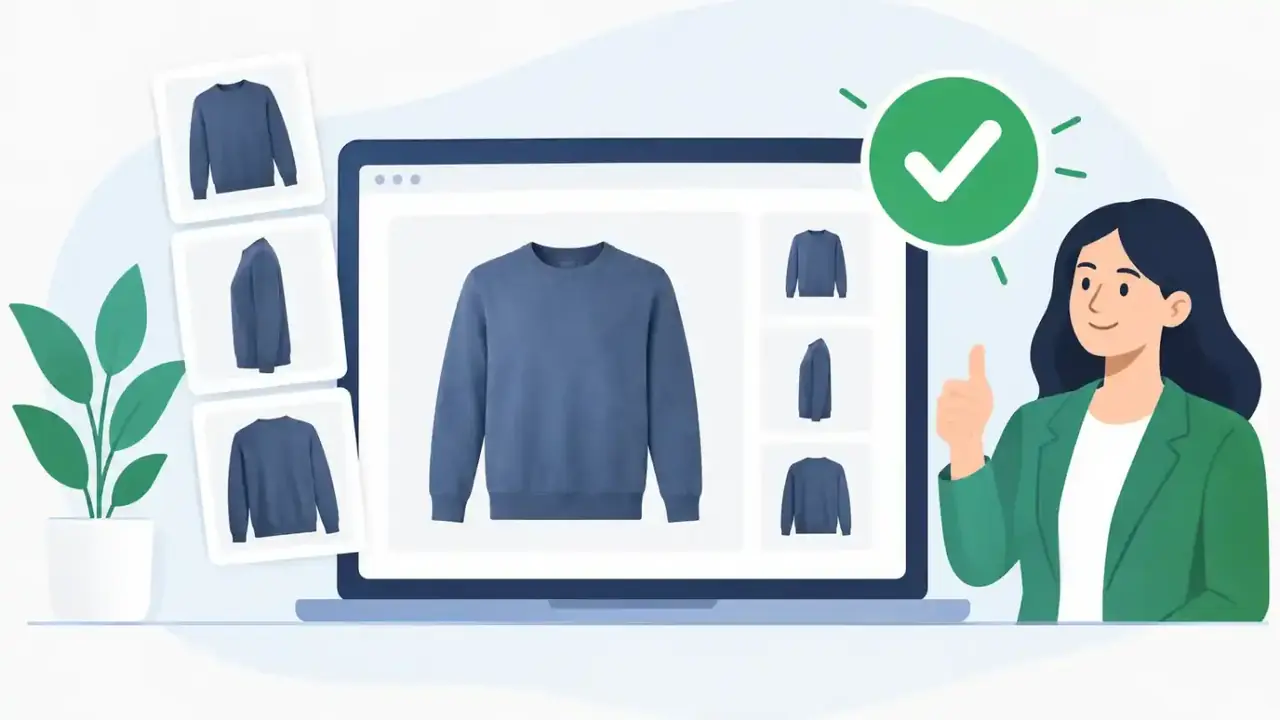
A workable order for apparel: a clean back view, a side or three-quarter angle, at least one close-up of fabric and construction, and something that shows fit specifically, sleeve length, waist, how the fabric drapes on a body. If a print is the reason someone buys the item, give it its own close-up. If fit is the reason someone returns it, show fit from more than one angle rather than hoping one shot covers it.
Secondary slots allow more, lifestyle context, infographics, comparison charts, but they still need to be accurate and legible on a phone screen. Four near-identical front-facing shots earn nothing a single one wouldn't. A flat lay, a ghost mannequin shot, and a model image can each earn a slot if each one reveals something the others don't.
JPEG is the practical default for apparel. Amazon accepts other formats, but PNG mostly adds file weight without adding anything a garment photo needs, save it for a genuine cutout with transparency rather than the product gallery itself.
Color accuracy is where most avoidable returns start. A warm studio cast turns optic white into cream. Heavy contrast crushes shadow detail out of black fabric exactly where a customer needs to see the seam. Over-smoothed retouching erases the ribbing or distressing that's part of what they're buying. Check every SKU at full size and on a phone screen before it goes live, and confirm the image attached to each variant actually matches that variant. A navy photo on a black listing isn't a small catalog slip, it's a guaranteed return.
One tee in five colors and four sizes becomes 20 purchasable combinations. It shouldn't become 20 improvised photo sessions. Build one controlled system per style, same crop, pose, lighting, background, then produce color-specific imagery only where the product actually looks different. A shopper switching from olive to charcoal should never wonder if they're looking at the same garment under different lighting.
This matters most for prints, washes, garment dye, and heathered fabric, anywhere the visible product changes meaningfully between variants. It also pays off at restock, keep the approved template, and refresh only what actually changed, a new wash, an updated graphic placement, rather than rebuilding the whole shoot.
Traditional shoots make compliance feel slow because every update needs a model, a sample, a photographer, and another retouching pass. Splitting garment capture from asset production is what actually speeds this up, one accurate source photo, flat lay, hanger shot, or mannequin image, true to color and construction, then generate the specific assets the listing needs from it.
Snaproom takes that single source photo and produces the ghost mannequin views and model try-on images a listing needs without a new shoot per restock or colorway. None of that exempts the output from review. Check fingers, closures, hems, and pattern continuity on generated images exactly as you would a studio shot, speed only helps if the final image is accurate enough to sell from.
If you're generating AI model photos for EU-facing listings, check what disclosure applies before publishing, see what the EU AI Act actually requires for AI product photos.
Check the white background, product fill, and pixel dimensions on the main image first, that's the image Amazon suppresses on. Confirm every variant is tagged with the correct color and style image. Then look at the gallery the way a shopper would on a phone, can they tell the fit, the fabric, the front, the back, and the construction details without reading the description? Recheck the category style guide in Seller Central before finalizing anything, since Amazon changes it without announcement and what passed last season may not pass this one.
Only for the main image. Secondary images can include lifestyle shots, styled looks, and infographics, though they still need to be accurate and easy to read on mobile.
For most adult apparel, no. Amazon requires the main image to show the garment on a live model or via ghost mannequin. Flat lay is generally accepted for kids and baby clothing, accessories, socks, and multi-packs.
Amazon gives most listings six secondary slots beyond the main image, more with Brand Registry. Cover front, back, an angle, a fabric or construction close-up, and something that proves fit, then stop adding shots that don't reveal something new.
At least 1000 pixels on the longest side to enable zoom, 2000 pixels or more is where zoom actually becomes useful for inspecting fabric and stitching. Keep the file under 10 MB.
Yes, provided they're reviewed with the same scrutiny as a studio shot, correct construction, accurate color, no invented details, and they meet the same technical and category rules as any other image.
Only for the main image. Secondary images can include lifestyle shots, styled looks, and infographics, though they still need to be accurate and easy to read on mobile.
For most adult apparel, no. Amazon requires the main image to show the garment on a live model or via ghost mannequin. Flat lay is generally accepted for kids and baby clothing, accessories, socks, and multi-packs.
Amazon gives most listings six secondary slots beyond the main image, more with Brand Registry. Cover front, back, an angle, a fabric or construction close-up, and something that proves fit, then stop adding shots that don't reveal something new.
At least 1000 pixels on the longest side to enable zoom, 2000 pixels or more is where zoom actually becomes useful for inspecting fabric and stitching. Keep the file under 10 MB.
Yes, provided they're reviewed with the same scrutiny as a studio shot, correct construction, accurate color, no invented details, and they meet the same technical and category rules as any other image.
Turn one product image into a complete studio-grade AI model photo set.
Learn more →Place your garment on diverse AI models for realistic size and style representation.
Learn more →Generate front, back, side, and detail views from a single clothing image.
Learn more →